



9 Website Analytics Tools You Should Use
Understanding user behavior, traffic sources, and conversion patterns is critical for any website owner or digital marketer. Website analytics tools provide the insights necessary to optimize performance, improve user experience, and boost ROI.
There are many analytics platforms available, each with its own strengths and weaknesses. Some focus on traffic and visitor behavior, while others specialize in heatmaps, funnel analysis, or advanced marketing analytics. Choosing the right tool depends on your goals, technical expertise, and budget.
We will highlight 9 website analytics tools that stand out this year, with key features, pros and cons, and ideal use cases.
Google Analytics
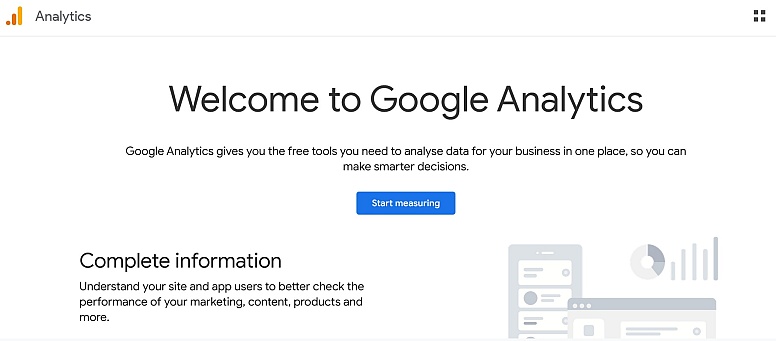
Google Analytics is the industry-standard web analytics platform, providing detailed insights into traffic, user behavior, conversions, and acquisition channels. Its integration with Google Ads and Search Console makes it essential for marketers.
Key Features
- Real-time and historical traffic data
- Audience demographics and behavior tracking
- Conversion tracking and goal setup
- Funnel visualization
- Integration with Google Ads, Search Console, and Data Studio
Pros: Free to use for most websites, extremely comprehensive, robust reporting, extensive community and tutorials.
Cons: Complex interface for beginners, privacy regulations require careful configuration, and data sampling in the free version.
Best Use Cases
- Marketing campaigns tracking
- eCommerce conversion analysis
- Content performance optimization
- Website traffic monitoring
Matomo
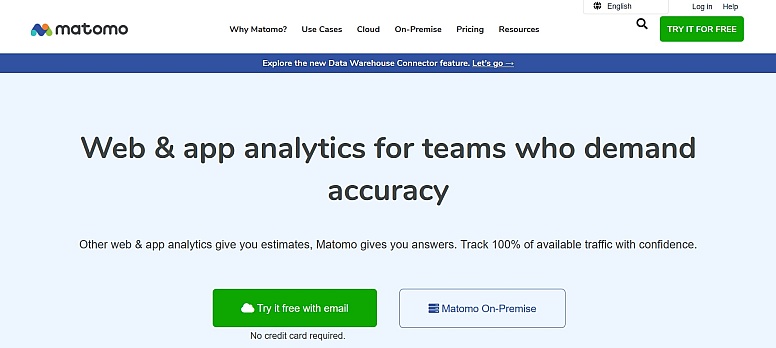
Matomo (formerly Piwik) is an open-source analytics platform focused on privacy and full data ownership. It can be self-hosted or cloud-hosted and provides advanced tracking without compromising user privacy.
Key Features
- Real-time analytics
- Heatmaps and session recordings
- Goal and conversion tracking
- GDPR-compliant data management
- Customizable dashboards and reports
Pros: Full control over data, privacy-focused, highly customizable, and no data sharing with third parties.
Cons: Requires self-hosting for full features, can be technically complex, and some advanced features require paid plans.
Best Use Cases
- Privacy-conscious websites
- Businesses requiring full data control
- Advanced custom analytics
Adobe Analytics
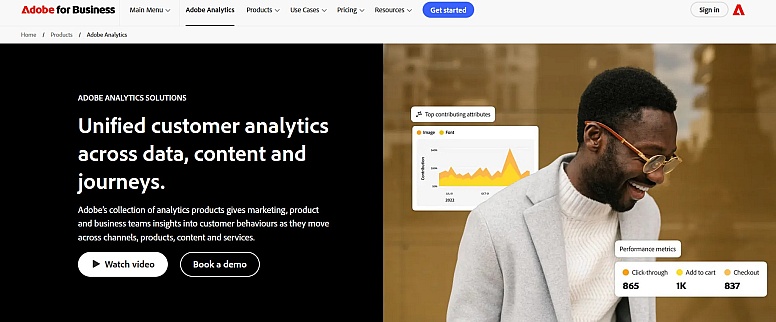
Adobe Analytics is an enterprise-grade analytics platform that provides deep insights into customer journeys across multiple channels. It is part of Adobe Experience Cloud, making it suitable for large businesses with complex digital ecosystems.
Key Features
- Advanced segmentation and cohort analysis
- Multi-channel data integration
- Predictive analytics and AI insights
- Customizable dashboards
- Funnel and path analysis
Pros: Extremely powerful and flexible, ideal for large-scale enterprises, AI-powered insights, and detailed attribution analysis.
Cons: Expensive, steep learning curve, requires dedicated analysts for full utilization.
Best Use Cases
- Enterprise websites
- Multi-channel marketing tracking
- Advanced conversion optimization
Hotjar
Hotjar specializes in behavioral analytics and visual feedback, helping teams understand how users interact with your website through heatmaps, session recordings, and surveys.
Key Features
- Heatmaps for clicks, taps, and scrolls
- Visitor session recordings
- Feedback polls and surveys
- Funnel analysis and form tracking
- Conversion rate optimization tools
Pros: Visual insights make user behavior easy to understand, quick setup, and great for UX optimization.
Cons: Limited quantitative data, best used alongside other analytics tools, free plan has restrictions.
Best Use Cases
- UX and design testing
- Conversion rate optimization
- Landing page improvement
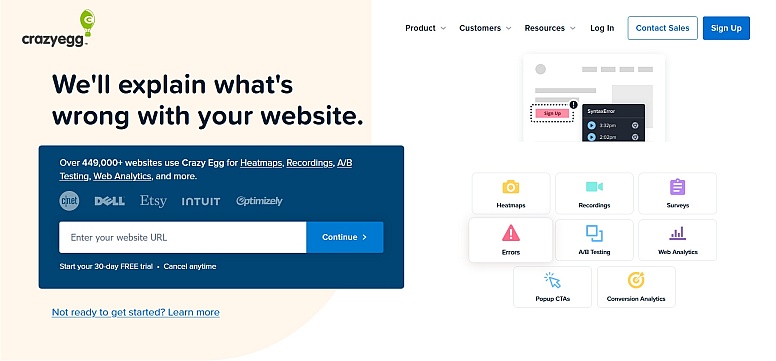
Crazy Egg
Crazy Egg is another behavioral analytics tool focused on visual insights, including heatmaps, scroll maps, and A/B testing. It helps identify friction points and optimize conversion funnels.
Key Features
- Click, scroll, and attention heatmaps
- A/B testing
- Overlay reports for link performance
- Snapshot reports for multiple pages
- Integration with major marketing tools
Pros: Easy-to-understand visual analytics, good for small to medium businesses, includes A/B testing.
Cons: Limited in-depth traffic metrics, requires other tools for comprehensive analytics.
Best Use Cases
- Landing page optimization
- Small business UX improvements
- Conversion testing
Mixpanel
Mixpanel is an advanced product analytics platform that focuses on tracking user interactions, events, and retention rather than just pageviews. It is ideal for SaaS and digital products.

Key Features
- Event-based tracking
- Funnels and retention analysis
- Cohort analysis
- User segmentation
- A/B testing and experimentation
Pros: Excellent for tracking user behavior in apps, event-focused analytics, powerful reporting and segmentation.
Cons: Can be complex for beginners, pricing grows with event volume, not ideal for simple website traffic monitoring.
Best Use Cases
- SaaS products
- App analytics
- User retention optimization
- Event tracking and feature adoption
Heap
Heap is an advanced product analytics platform that automatically captures all user interactions—clicks, taps, form submissions, and more—without requiring manual event tagging. This makes it ideal for product teams and SaaS companies that need deep insights into user behavior.
Key Features
- Automatic event tracking (no code tagging required)
- Funnels and retention analysis
- Cohort and user segmentation
- Custom dashboards and reports
- Integration with marketing and product tools
- Advanced data export and API access
Pros:
- Eliminates manual event tagging, saving setup time
- Powerful insights for product and UX optimization
- Real-time analytics and reporting
- Great for SaaS and digital products
Cons:
- Can be complex for beginners
- Pricing grows with event volume
- Less suitable for simple website traffic tracking
Best Use Cases
- SaaS applications and digital products
- User behavior and retention analysis
- Event-driven analytics
- Feature adoption tracking
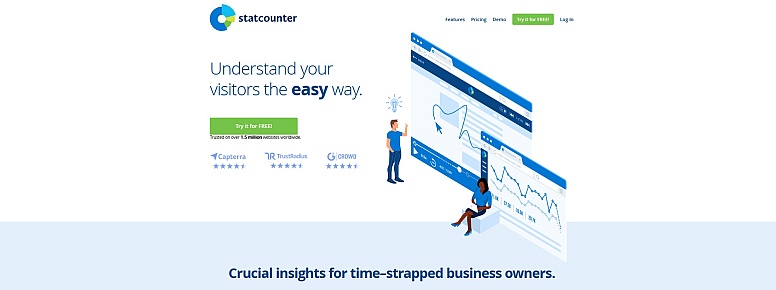
Statcounter
Statcounter is a simple web analytics tool aimed at small businesses and bloggers. It provides essential traffic data in a user-friendly interface without overwhelming features.
Key Features
- Real-time visitor tracking
- Pageviews and sessions
- Referrer and keyword tracking
- Simple reports and email alerts
- Visitor paths
Pros: Easy to set up and use, lightweight, free version available.
Cons: Limited advanced analytics features, not ideal for large websites or enterprises.
Best Use Cases
- Small business websites
- Blogs and personal sites
- Quick traffic monitoring
Fathom Analytics
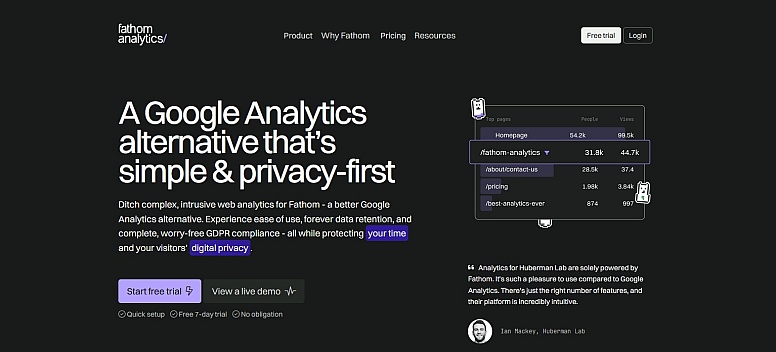
Fathom Analytics is a privacy-focused, lightweight analytics tool designed for simplicity and GDPR compliance. It focuses on essential metrics without tracking personal data.
Key Features
- Simple, clean dashboard
- GDPR, CCPA, and PECR compliant
- No cookies required
- Real-time visitor counts
- Lightweight, fast-loading script
Pros: Privacy-first, fast, simple, easy for beginners.
Cons: Limited advanced features, better suited for small to medium websites.
Best Use Cases
- Privacy-conscious websites
- Small business and personal projects
- Simple analytics needs
Choosing the right website analytics tool depends on your goals, technical expertise, and privacy requirements.
- Google Analytics for traffic and conversions
- Matomo for privacy and full data ownership
- Adobe Analytics for enterprise-level insights
- Hotjar and Crazy Egg for UX and visual analytics
- Mixpanel and Heap for product and event tracking
- Statcounter and Fathom for lightweight and privacy-friendly solutions
Selecting the right tool ensures actionable insights to optimize user experience, boost conversions, and grow your website effectively.
LEAVE A COMMENT







0.3097