

Top 14 Favicon Generators: Tools to Create Perfect Website Icons
Favicons help people recognise a site at a glance. They appear in browser tabs, bookmarks, search results, and pinned shortcuts. A clear favicon makes a site easier to find and signals basic care and trust. A missing or broken one does the opposite.
Most sites need more than a single image file. Different browsers and devices expect different sizes and formats. Favicon generators exist to handle that work. They take a logo, image, or text input and produce the files and markup browsers need.
Here's a list of widely used favicon generators, with an explanation of what each does well, and notes of where each one falls short, for an easy comparison. The list focuses on tools people actually use, not theoretical options, and without numeric rankings, as needs vary by project. These tools are suitable for personal sites, business sites, and web apps, unless noted.
Quick Comparison
| Tool | Best for | Output focus | Cost |
|---|---|---|---|
| Webyurt Favicon Generator | Fast, all-in-one favicon creation | PNG + ICO + HTML markup | Free |
| RealFaviconGenerator | Broad platform support | Full icon sets + HTML | Free |
| Favicon.io | Fast setup | PNG, ICO, emoji, text | Free |
| Favicon Generator (favicon-generator.org) | Simple sites | Basic ICO/PNG | Free |
| X-Icon Editor | Manual control | ICO editing | Free |
| Canva Favicon Maker | Design-first users | Visual assets | Free / Paid |
| Adobe Express Favicon Maker | Brand consistency | Clean PNG output | Free / Paid |
| Icons8 Favicon Generator | Polished visuals | Modern icon styles | Free / Paid |
| ImageOnline Favicon Generator | Minimal needs | ICO creation | Free |
| ConvertICO | Legacy compatibility | ICO files | Free |
| Favicon.cc | Pixel-level control | Hand-drawn icons | Free |
| Faviconer | Batch resizing | Multi-size PNG | Free |
| SiteOrigin Favicon Generator | WordPress users | Theme-ready icons | Free |
| Genfavicon | Lightweight export | PNG + ICO | Free |
Webyurt Favicon Generator
An easy-to-use online tool that turns logos, images, or text into a full set of favicon files for browsers and devices. It simplifies the process of generating PNG, ICO, and multi-size icons, along with the necessary HTML markup, so sites display correctly on desktop tabs, bookmarks, mobile devices, and app shortcuts. This tool is ideal for users who want a fast, all-in-one solution without manually resizing images or tracking file specifications for different platforms.
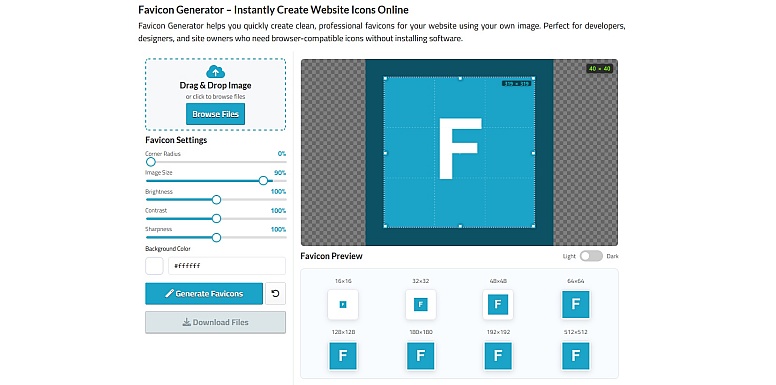
- What it does: Generates complete favicon sets from logos, images, or text with all required sizes and formats.
- Best suited for: Personal sites, small business sites, and web apps that want correct coverage without manual setup.
- Strengths: Simple, fast workflow; produces multi-size PNGs and ICOs; includes HTML markup; no account required.
- Notable detail: Combines speed and completeness, making it a great all-in-one option for most small to medium sites.
RealFaviconGenerator
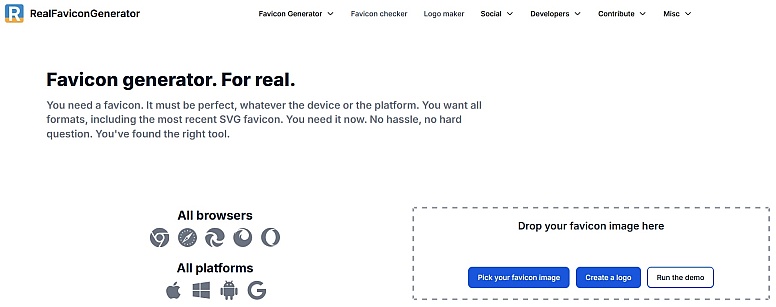
What it does: Creates a complete favicon package for modern browsers, mobile devices, and older platforms. It also explains what each file does.
Best suited for Production websites, web apps, and teams that want correct coverage across platforms.
Strengths
- Generates icons for desktop, iOS, Android, and Windows
- Handles maskable icons and manifests
- Clear preview of how icons appear on real devices
- Explains browser quirks and cache behavior
Limitations
- Interface has many options, which may feel heavy for simple sites
- Output includes files that some small sites may never use
Notable data: It updates its rules as browser requirements change, which reduces maintenance surprises later.
Favicon.io
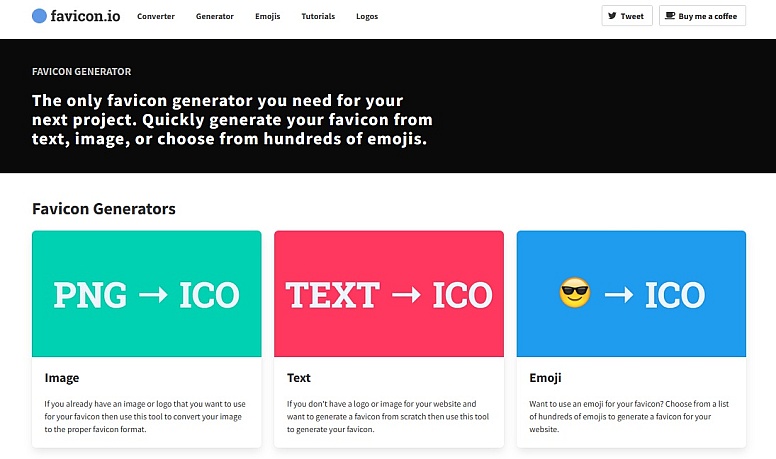
What it does: Creates favicons from images, text, or emoji with very little setup.
Best suited for Personal sites, small projects, and fast experiments.
Strengths
- Very fast workflow
- Text and emoji options remove the need for a logo
- Clean ZIP download with common sizes
Limitations
- Limited control over padding and scaling
- Less guidance on advanced platform icons
Notable detail: Emoji-based favicons can work well for personal projects but may render differently across systems.
Favicon Generator (favicon-generator.org)
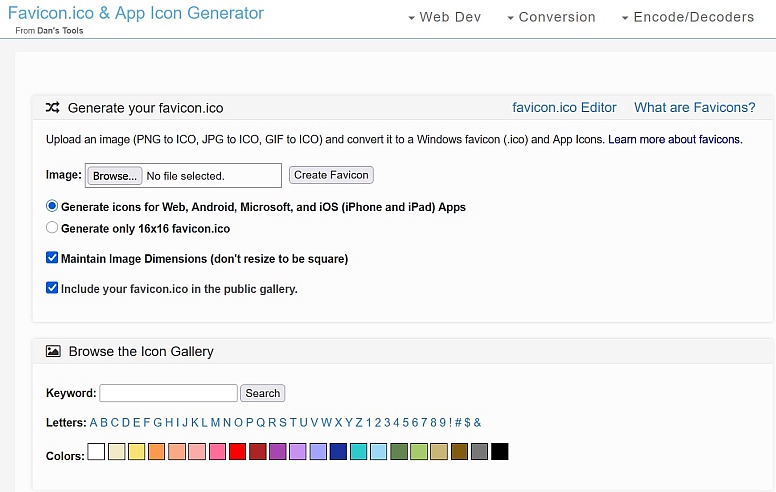
What it does: Converts a single image into favicon formats, mainly ICO and PNG.
Best suited for Basic websites that need legacy browser support.
Strengths
- Extremely simple
- Produces ICO files reliably
- No account or setup friction
Limitations
- No preview of small-size rendering
- No mobile or app-specific icons
Notable detail: This tool works best when the source image is already designed for small sizes.
X-Icon Editor
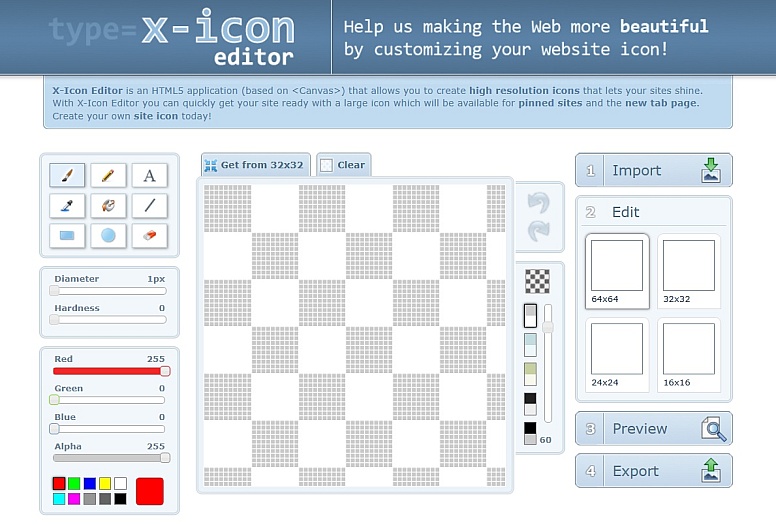
What it does: Allows manual creation and editing of favicon ICO files in the browser.
Best suited for Users who want pixel-level control.
Strengths
- Direct control over each pixel
- Supports multiple icon sizes in one ICO
- No upload required
Limitations
- Time-consuming
- Not suitable for complex logos
Notable detail: Useful for fixing alignment issues that automated tools sometimes miss.
Canva Favicon Maker
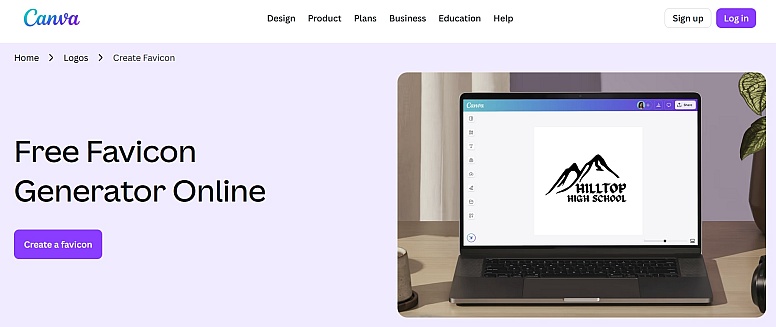
What it does: Provides favicon-sized design templates using Canva’s visual editor.
Best suited for Non-designers who want a polished look quickly.
Strengths
- Large template library
- Easy brand color and font matching
- Exports clean PNG files
Limitations
- Does not generate full favicon sets
- ICO files require extra steps
Notable detail: Works best when paired with another generator to handle file formats.
Adobe Express Favicon Maker
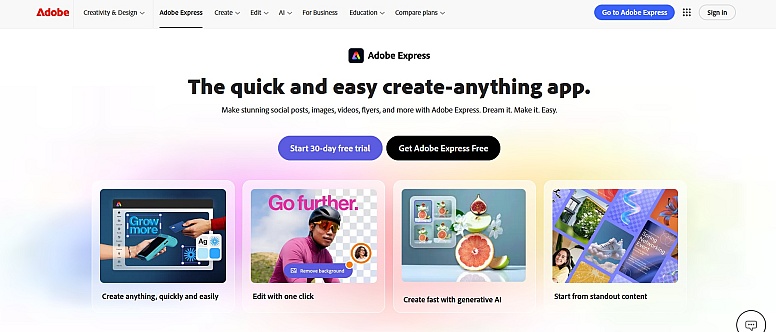
What it does: Creates favicon visuals using Adobe’s design system.
Best suited for Teams already using Adobe tools.
Strengths
- Consistent color handling
- Clean export quality
- Simple interface
Limitations
- Focuses on visuals, not technical output
- Requires separate handling for multiple sizes
Notable detail: Good for producing the source image, not the final favicon package.
Icons8 Favicon Generator
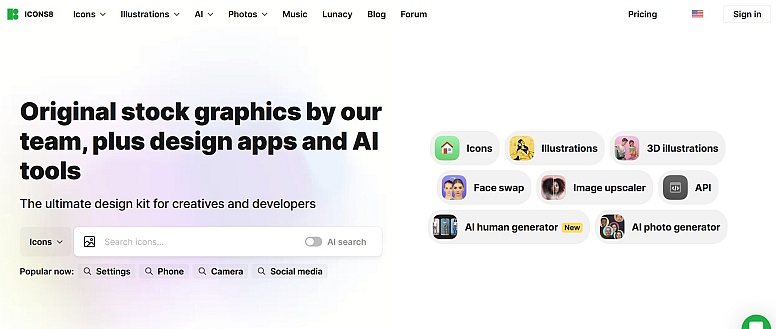
What it does: Generates favicons using a library of icons and styles.
Best suited for Sites that need a clean, modern icon without custom design work.
Strengths
- Large icon library
- Consistent visual style
- Scales well at small sizes
Limitations
- Branding constraints on the free tier
- Less suitable for strict brand guidelines
Notable detail: Icons designed for small sizes often outperform logo-based favicons.
ImageOnline Favicon Generator
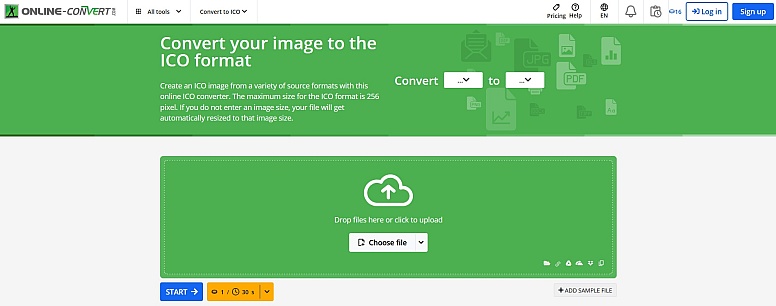
What it does: Converts images into favicon formats with minimal options.
Best suited for One-off conversions.
Strengths
- Straightforward conversion
- Supports common formats
Limitations
- No preview or guidance
- Limited control
Notable detail: Best used when you already understand favicon requirements.
ConvertICO
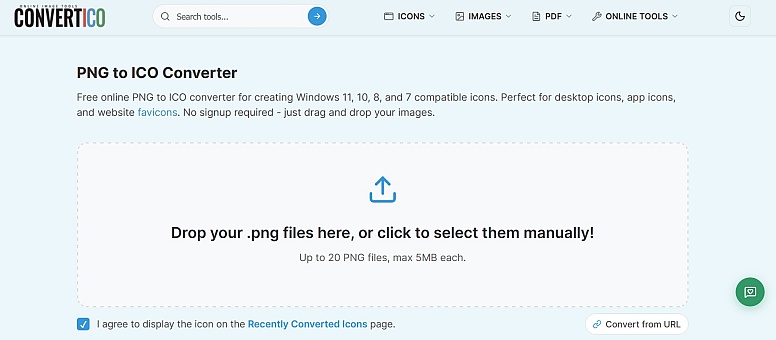
What it does: Specialises in converting images to ICO format.
Best suited for Legacy browser compatibility.
Strengths
- Focused and reliable
- Simple upload and download
Limitations
- No PNG set generation
- No mobile icons
Notable detail: Useful as a fallback tool when other generators fail to produce clean ICOs.
Favicon.cc
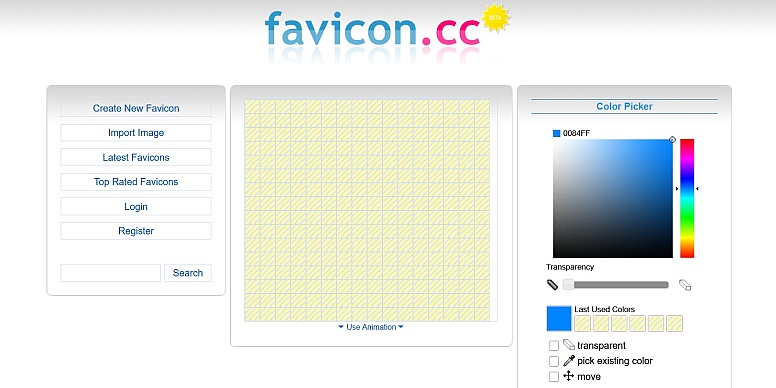
What it does: It lets users draw favicons pixel by pixel.
Best suited for Minimalist icons and retro designs.
Strengths
- Full pixel control
- Animated favicon support
- No asset upload needed
Limitations
- Time-intensive
- Limited to simple designs
Notable detail: Animation works in some browsers but not all.
Faviconer
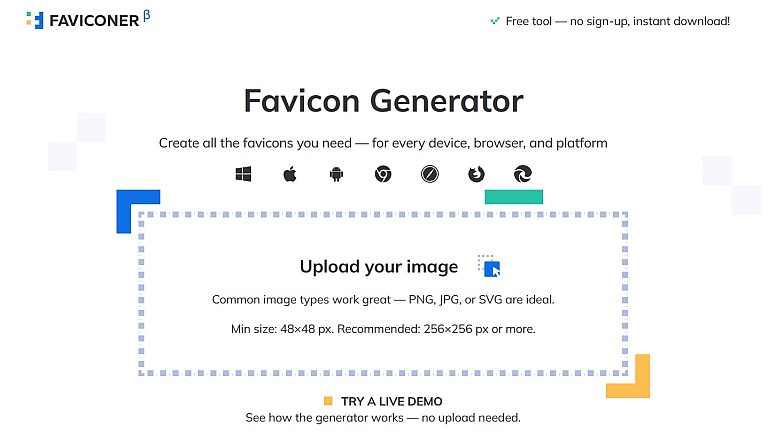
What it does: Resizes images into multiple favicon sizes.
Best suited for Quick multi-size PNG generation.
Strengths
- Fast batch resizing
- Clean output
Limitations
- No HTML guidance
- Limited format support
Notable detail: Good as part of a manual workflow.
SiteOrigin Favicon Generator
What it does: Creates favicons with WordPress users in mind.
Best suited for WordPress sites using SiteOrigin themes or plugins.
Strengths
- WordPress-friendly output
- Simple setup
Limitations
- Less flexible outside WordPress
- Fewer advanced options
Notable detail: Pairs well with theme customisers that expect standard icon files.
Genfavicon
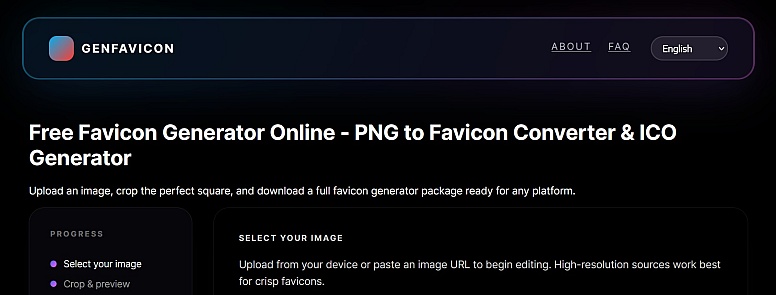
What it does: Converts images into favicon formats with light configuration.
Best suited for Small sites needing basic output.
Strengths
- Simple interface
- Supports common formats
Limitations
- No platform-specific icons
- Limited previews
Notable detail: Works best with high-contrast source images.
How to Choose a Favicon Generator
Consider these factors before picking a tool:
- Site type: Static site, content site, or web app
- Asset quality: Logo designed for small sizes or not
- Platform needs: Desktop only or mobile installs
- Control level: Automation vs manual adjustment
- Hosting preference: Self-hosted files vs third-party links
A simple site may only need PNG and ICO files. A web app often needs manifests and maskable icons. Matching the tool to the job avoids clutter.
This list focuses on tools that are actively used, publicly accessible and relevant to current browser behavior. New favicon generators may be added if they meet these criteria and offer clear value. Tools that become outdated or unsupported may be removed.
Frequently Asked Questions
What is a favicon generator?
A favicon generator is a tool that converts an image or text into the icon files browsers use for tabs, bookmarks, and shortcuts.
Do all websites need favicons?
Most do. While not mandatory, a favicon improves usability and recognition across browsers and devices.
Are free favicon generators good enough?
Often yes. Many free tools produce correct output for common use cases. Advanced needs may require more control.
How many favicon files should I have?
At minimum, include PNG icons for common sizes and an ICO file. Add mobile icons if users install your site.
Why does my favicon not update?
Browsers cache favicons aggressively. Changing filenames or adding version query strings helps force updates.
Can I use SVG favicons?
Some browsers support them, but not all. Use SVG alongside PNG fallbacks.
Why not check your current favicon files and confirm they render clearly at small sizes and cover the platforms you support? Then choose a favicon generator that matches those needs without adding unnecessary complexity.
LEAVE A COMMENT









0.0395