



Online Tools
Here are some great tools that will boost your productivity by helping you whizz through the repetitive mini-tasks designers and developers encounter daily. These free online tools are user-friendly and help save lots of time, too.
Title Tag and Meta Description Length Tool
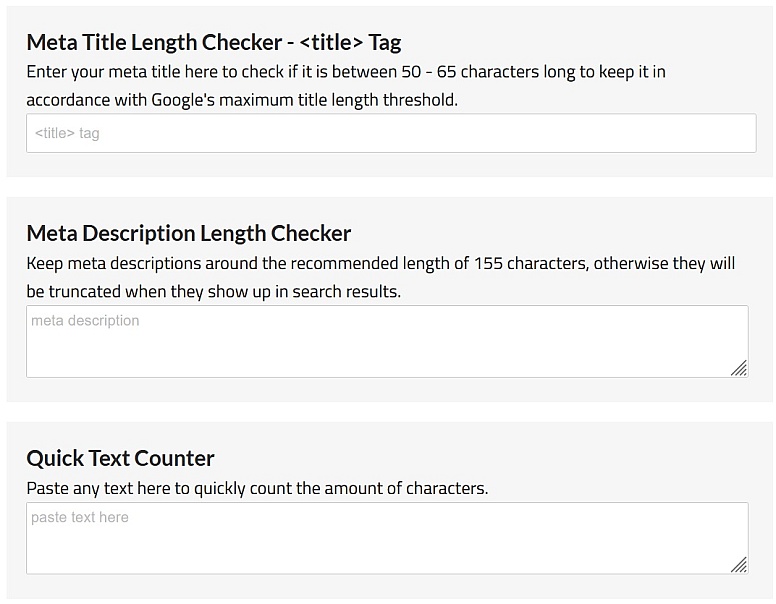
Meta titles and descriptions that are too long are not search engine-friendly. It is a good idea to keep in mind that, according to Google's guidelines, meta titles should be no more than 50–65 characters, and meta descriptions should be no longer than 155 characters; they will be truncated in search results. This handy tool will enable you to keep an eye on the length of your meta titles and descriptions.
Benefits:
-
Helps prevent truncated titles and descriptions in search results
-
Gives instant character counts as you type
-
Aligns your metadata with Google’s display limits
-
Ideal for quick SEO checks during content creation
A simple way to fine-tune your metadata before it goes live.
Resize Image for Printing Tool
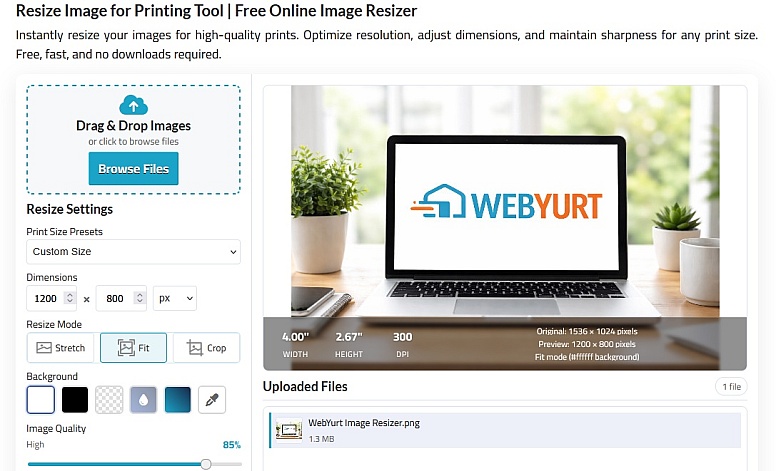
Prepare your images for flawless printing in seconds with our image resizer tool. Optimise resolution, scale to any size, and keep every detail sharp. 100% free, lightning-fast, and no installation required.
Benefits:
-
Ensures images are correctly sized for print output
-
Maintains image clarity and sharpness
-
Supports flexible scaling for different print formats
-
Eliminates trial-and-error resizing
Perfect for getting print-ready images without the guesswork.
Aspect Ratio Calculator
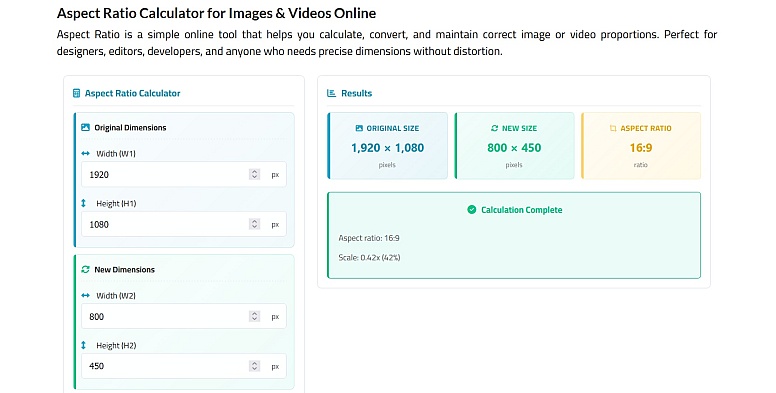
Quickly calculate and convert aspect ratios for images and videos with this free online tool. Just enter your original width and height (in pixels) along with one new dimension, and the calculator automatically computes the fourth value — keeping your visuals proportionate without distortion. It also includes presets for common screen sizes and formats, making it perfect for designers, editors, developers, and content creators who need precise, distortion-free dimensions.
Benefits:
-
Preserves image and video proportions automatically
-
Saves time calculating dimensions manually
-
Includes common aspect ratio presets
-
Useful for web, video, and responsive design work
An essential helper for keeping your visuals perfectly balanced.
WebYurt Favicon Generator
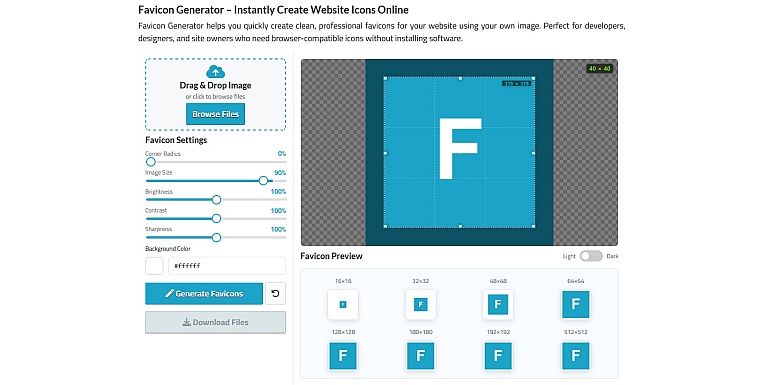
Converts logos, images, or text into all the favicon files your site needs: ICO, PNG, and multi-size icons, plus HTML code for embedding. It ensures your site looks correct in browser tabs, bookmarks, mobile shortcuts, and app icons. Best suited for personal sites, small business websites, and web apps that need complete favicon coverage quickly without manual resizing or coding.
Benefits:
- Fast, no-fuss workflow
- Generates multi-size PNGs and ICOs automatically
- Includes HTML markup for easy integration
- No account or setup required
Combines simplicity and completeness in one step, making it a reliable all-in-one favicon solution for most small to medium websites.
Change Text Case Tool
This application conveniently allows you to convert the case of text to lower case, upper case, sentence case and to capitalise the first letter of each word, which is useful when writing titles.
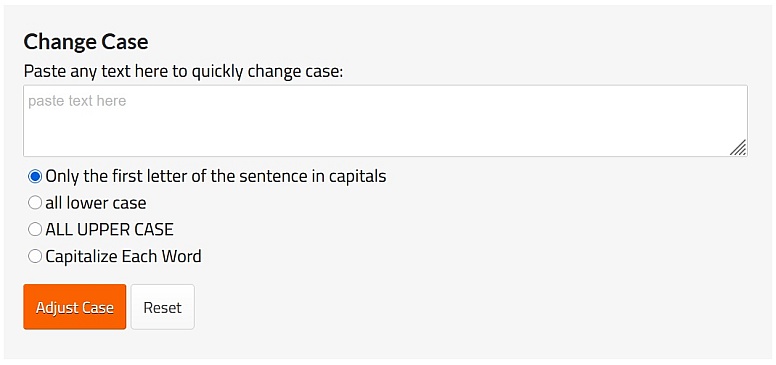
Benefits:
-
Instantly converts text into multiple case formats
-
Reduces manual editing and formatting errors
-
Useful for headings, titles, and bulk text cleanup
-
Works directly in the browser
A quick fix for text formatting tasks of any size.
Text to HTML Converter
With this web-based tool, you can simply convert plain text to HTML code at the click of a button, by selecting the option you require to insert paragraph tags and/or line break tags.
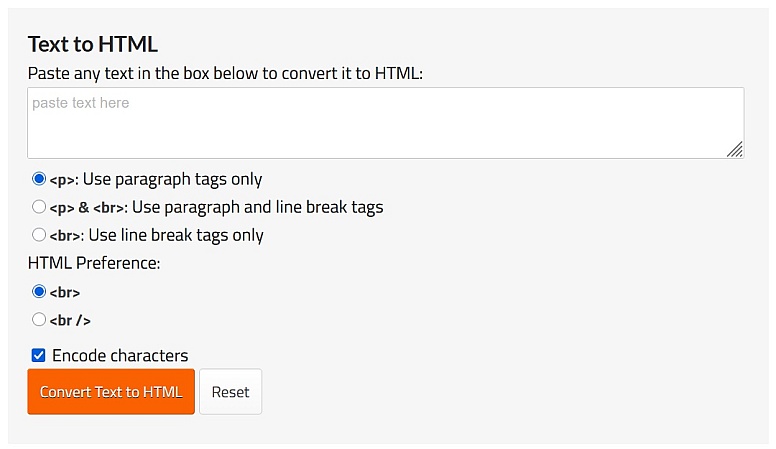
Benefits:
-
Converts plain text into clean HTML markup
-
Automatically inserts paragraph and line break tags
-
Speeds up content preparation for websites
-
No coding knowledge required
A handy shortcut for turning raw text into web-ready content.
Word, Character and Line Counter
Count the number of words, characters and lines with ease using this tool. This is especially useful for quickly checking the length of articles and essays as you type them.
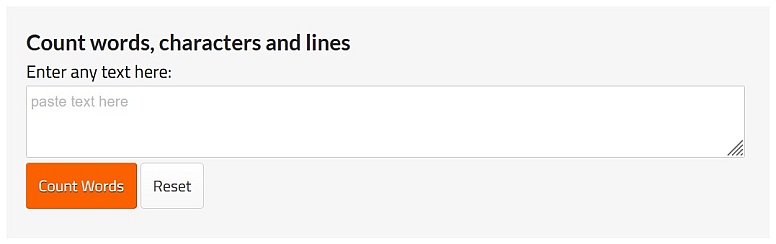
Benefits:
-
Tracks word, character, and line counts in real time
-
Useful for meeting content length requirements
-
Ideal for writers, students, and editors
-
Works instantly as you type
Great for keeping your writing within precise limits.
Website Content Check Tool
This tool generates targeted Google search queries to help you check websites for specific types of content. It creates ready-to-use 'site:' and 'inurl:' search links for quick content and compliance verification. Just enter your keywords and a domain, then follow the links to view relevant results directly on Google.
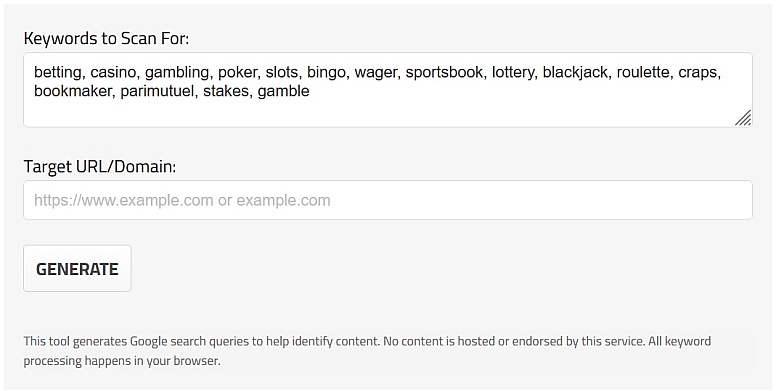
Benefits:
-
Generates targeted Google search queries instantly
-
Helps locate specific content across websites
-
Useful for audits, research, and compliance checks
-
Removes the need for manual search operators
A smart way to surface exactly the content you’re looking for.
Link Search Tool
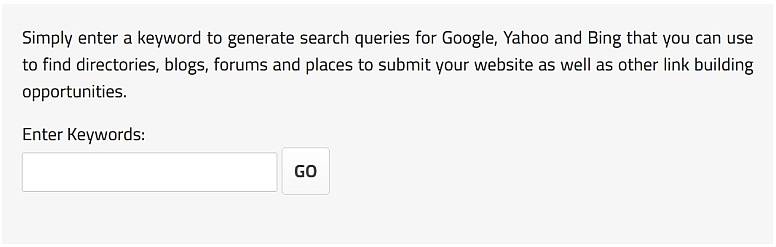
This useful tool will enable you to search for blogs, forums, directories and other specific pages based on your targeted keywords.
Benefits:
-
Finds niche blogs, forums, and directories quickly
-
Saves time on manual prospecting
-
Supports targeted keyword-based searches
-
Useful for research and outreach tasks
Ideal for discovering relevant pages across the web.
Google Cache Viewer
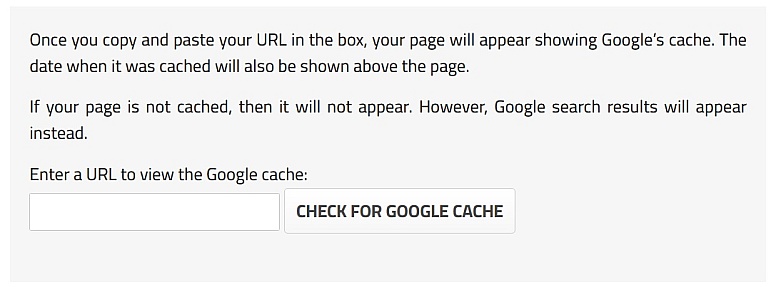
Once you copy and paste your URL in the box, your page will appear, showing Google’s cache.
Benefits:
-
Quickly checks Google’s cached version of a page
-
Helps diagnose indexing and visibility issues
-
Useful for SEO and troubleshooting
-
No additional tools or extensions needed
A fast way to see how Google last viewed your page.
Please let us know if there are any other tools that you would like to see here on WebYurt.com







0.2336