



Top 8 Aspect Ratio Calculators Online (Free & Accurate)
An aspect ratio calculator helps you resize images and videos while maintaining correct proportions. Whether you’re working on web design, social media graphics, video editing, or screen resolutions, the tools below make aspect ratio calculation fast, accurate, and hassle-free.
We’ve rounded up the best online aspect ratio calculators, starting with our own powerful and easy-to-use solution.
Aspect Ratio Calculator by WebYurt.com
WebYurt’s Aspect Ratio Calculator is a fast, free, and user-friendly tool designed for anyone who needs to calculate or resize dimensions without distortion. Simply enter width and height values to instantly calculate the aspect ratio or scale dimensions proportionally.
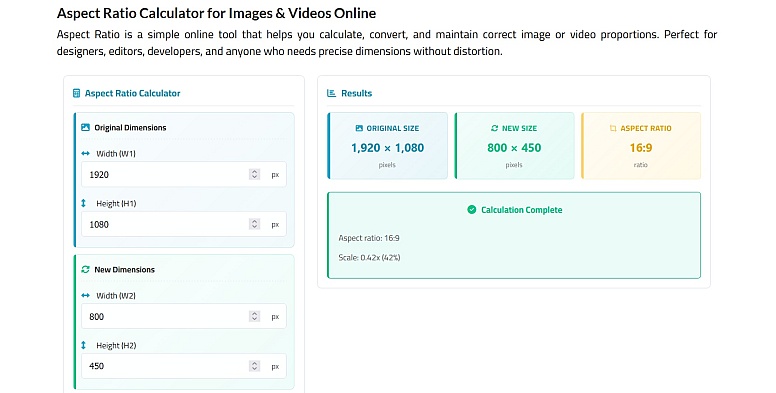
This tool is ideal for image resizing, video aspect ratios, responsive web design, and social media content. No sign-ups, no clutter; just accurate results.
Users looking for a quick and accurate aspect ratio calculator can also explore additional online tools for resizing images and videos proportionally, as well as other calculation needs, including a remainder calculator for finding the remainder in division problems with instant results.
Best for: Designers, developers, photographers, and content creators
Key features:
- Instant aspect ratio calculation
- Resize while maintaining proportions
- Clean, distraction-free interface
- 100% free and browser-based
GameplayKing Aspect Ratio Calculator
GameplayKing offers a more visual approach to aspect ratio calculations. In addition to simplifying ratios, it displays resolution details, orientation, and previews, making it useful for gaming and video content workflows.
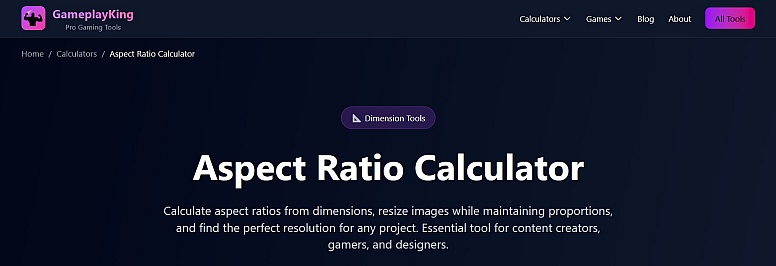
Best for: Gamers and video creators
Key features: Visual preview, resolution info, auto-simplification
RatioMath Aspect Ratio Calculator
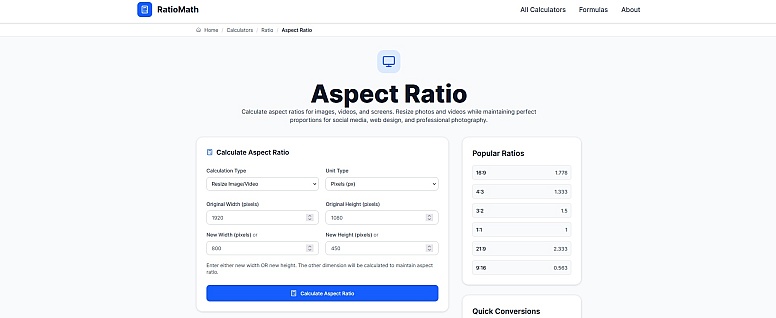
RatioMath’s calculator supports multiple measurement units, including pixels, inches, and centimeters. This makes it especially useful for users switching between digital and print design projects.
Best for: Print and digital designers
Key features: Multi-unit support, accurate ratio detection
CalculateAspectRatio.org
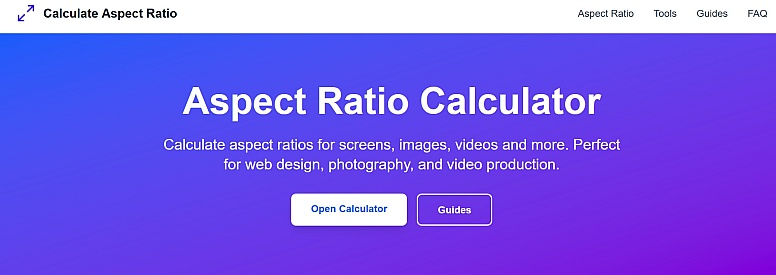
This lightweight aspect ratio calculator focuses on speed. It calculates ratios instantly as you type, making it ideal for quick checks during design or development work.
Best for: Quick calculations
Key features: Live updates, minimal interface
RedDeer Aspect Ratio Calculator
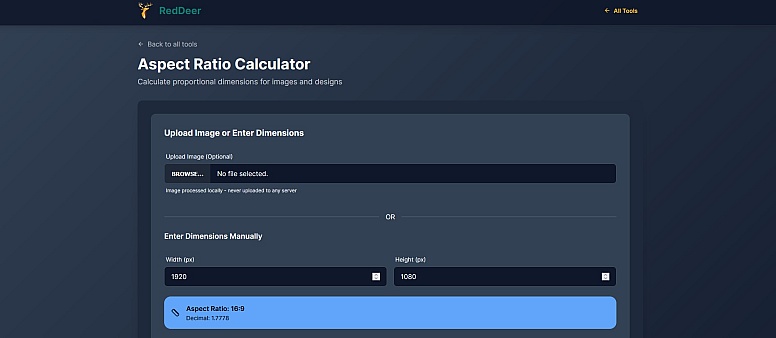
RedDeer allows you to upload an image or manually enter dimensions to calculate and resize while maintaining the original aspect ratio. A standout feature is local image processing, which helps protect privacy.
Best for: Image resizing with privacy
Key features: Image upload, local processing
Zebracat Aspect Ratio Calculator
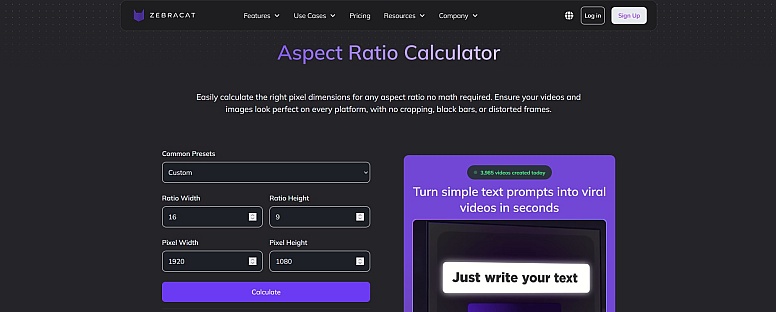
Zebracat’s calculator is optimized for social media aspect ratios, offering presets like 16:9, 9:16, and 1:1. It’s perfect for adapting content to platforms like TikTok, Instagram, and YouTube.
Best for: Social media creators
Key features: Platform presets, simple UX
AVTOOLS.IO Aspect Ratio Calculator
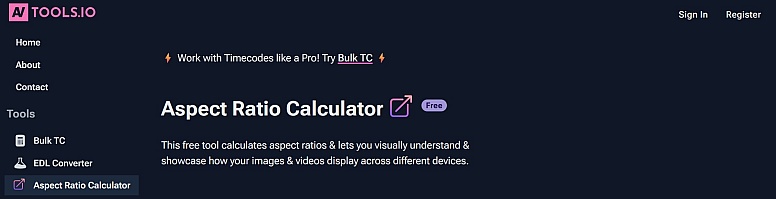
AVTOOLS.IO is a more advanced aspect ratio calculator with presets for film, broadcast, and widescreen formats. It’s especially useful for professionals working with video production standards.
Best for: Professional video workflows
Key features: Film & broadcast presets, advanced scaling
Screen-Sizes Aspect Ratio Calculator
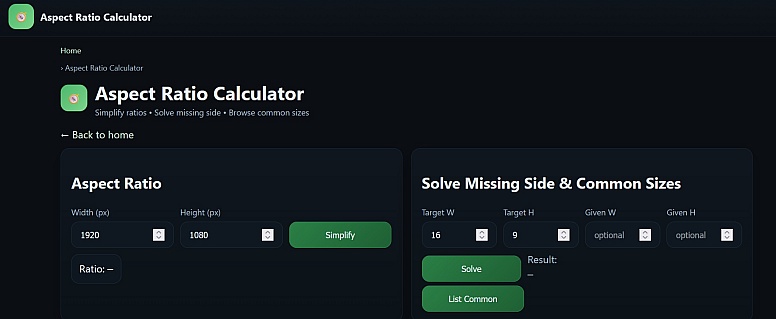
Screen-Sizes offers both calculation and education, helping users understand how common aspect ratios translate to real-world dimensions across screens and photography.
Best for: Learning and reference
Key features: Common size examples, ratio explanations
🔍 Aspect Ratio Calculator Comparison Table
| Tool | Best For | Preset Ratios | Image Resize | Video Ratios | Simplicity | Power |
|---|---|---|---|---|---|---|
| WebYurt.com | All-around use | ✅ | ✅ | ✅ | ⭐⭐⭐⭐⭐ | ⭐⭐⭐⭐ |
| GameplayKing | Gaming & video | ❌ | ✅ | ✅ | ⭐⭐⭐⭐ | ⭐⭐⭐ |
| RatioMath | Print & digital | ❌ | ❌ | ❌ | ⭐⭐⭐⭐ | ⭐⭐ |
| CalculateAspectRatio.org | Quick checks | ❌ | ❌ | ❌ | ⭐⭐⭐⭐⭐ | ⭐ |
| RedDeer | Privacy-focused | ❌ | ✅ | ❌ | ⭐⭐⭐⭐ | ⭐⭐⭐ |
| Zebracat | Social media | ✅ | ❌ | ✅ | ⭐⭐⭐⭐ | ⭐⭐⭐ |
| AVTOOLS.IO | Professional video | ✅ | ✅ | ✅ | ⭐⭐ | ⭐⭐⭐⭐⭐ |
| Screen-Sizes | Learning & reference | ❌ | ❌ | ❌ | ⭐⭐⭐ | ⭐⭐ |
Aspect Ratio Calculator FAQs
What is an aspect ratio calculator?
An aspect ratio calculator helps you determine the proportional relationship between width and height (such as 16:9 or 1:1) and resize images or videos without distortion. For other specialized calculation needs, users can also turn to an rsd calculator for quick and convenient results.
Why are preset aspect ratios useful?
Preset ratios save time and reduce errors by letting you:
- Instantly choose common formats
- Resize images or videos with one click
- Match platform requirements (YouTube, Instagram, TikTok, websites)
What are the most common aspect ratios?
Some of the most commonly used aspect ratios include:
- 16:9 – Widescreen video and monitors
- 1:1 – Square images (social media)
- 9:16 – Vertical video (Reels, TikTok, Shorts)
- 4:3 – Photography and legacy displays
- 21:9 – Ultrawide screens
LEAVE A COMMENT







0.2922