



12 Best Image Enhancers: Free & AI Photo Tools
In today’s visual-first digital landscape, high-quality images play a crucial role in capturing attention and communicating effectively. Whether you’re a content creator, marketer, photographer, or business owner, dull or low-resolution images can weaken your message and reduce engagement. That’s where image enhancers come in—powerful tools designed to improve clarity, color, lighting, and overall visual quality with minimal effort
Let’s go over some of the best image enhancer tools available today, from quick online solutions to advanced AI-powered software for professional use.
Why Image Enhancement Matters
Image enhancement goes beyond simple sharpening. It involves improving multiple visual elements of a photo—such as brightness, contrast, color balance, resolution, and noise levels—to make images more appealing and professional-looking. It’s especially useful for:
- Low-quality or poorly lit photos
- Old or compressed images
- Product photos for ecommerce
- Social media and marketing visuals
- Images prepared for web or print
The tools below range from free online enhancers to advanced AI platforms, ensuring there’s an option for every skill level and use case.
1. Colorik Image Enhancer — Completely Free Image Enhancer
Colorik stands out for its simplicity and speed, allowing anyone to instantly improve photo quality with a single click. Its intuitive interface ensures that beginners can achieve sharp, vibrant images without prior editing experience, making it an excellent choice for quick enhancements.
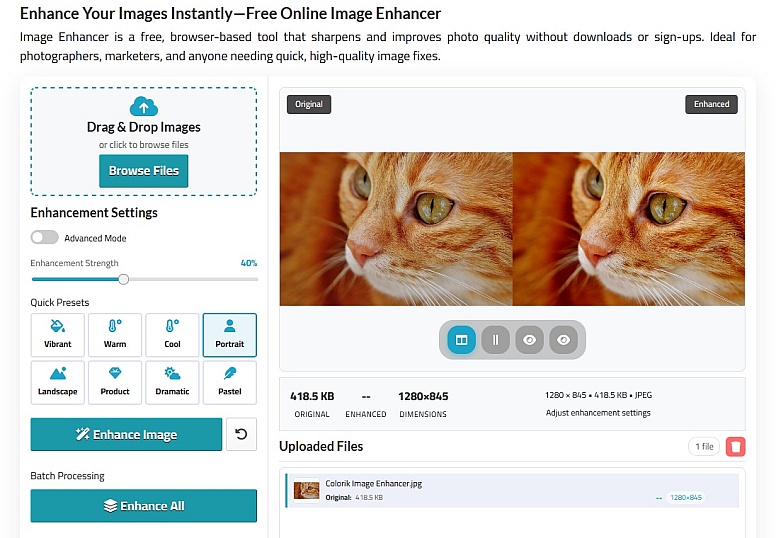
- One-click enhancement: Automatically improves clarity, lighting, and sharpness.
- No sign-up required: Upload and enhance instantly.
- Supports multiple formats: Works with JPG, PNG, and more.
- Fast processing: Ideal for quick improvements.
- Perfect for: Bloggers, social media creators, and everyday users.
Colorik delivers a seamless image enhancement experience with zero complexity, making it the best free option for users who want instant, high-quality results.
2. Adobe Photoshop Neural Filters — Professional AI Enhancements
Photoshop’s Neural Filters bring AI-driven precision to every image, offering sophisticated adjustments for lighting, color, and facial features. This professional-grade tool provides total creative control, making it ideal for designers and photographers seeking exacting results.
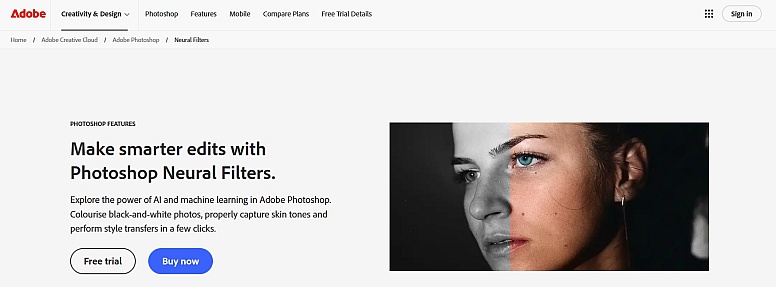
- Advanced AI filters: Enhance faces, lighting, and colors intelligently.
- High-end retouching tools: Full creative control.
- Industry standard: Trusted by professionals worldwide.
- Paid software: Subscription-based.
- Ideal for: Designers, photographers, and agencies.
Photoshop remains the gold standard for image enhancement, offering unmatched flexibility and precision.
3. Luminar Neo Image Enhancer — Creative AI Enhancements
Luminar Neo merges intelligent automation with creative freedom, enabling nuanced improvements to skies, lighting, and details. Its non-destructive workflow preserves original files, giving photographers and storytellers flexibility in experimentation.
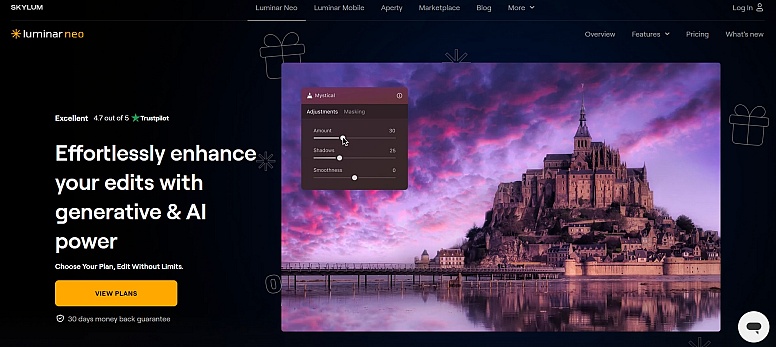
- AI-powered sliders: Improve sky, lighting, and subject detail.
- Creative presets: One-click transformations.
- Non-destructive editing: Keep original images safe.
- Paid with trial: Professional-grade features.
- Best for: Photographers and visual storytellers.
Luminar Neo blends automation with creativity, making it ideal for visually rich enhancements.
4. Fotor AI Image Enhancer — Balanced Enhancing + Editing Tools
Fotor combines automated AI improvements with manual editing options, allowing users to fine-tune brightness, contrast, and color. Its all-in-one platform is perfect for bloggers and small businesses seeking a versatile enhancement solution.
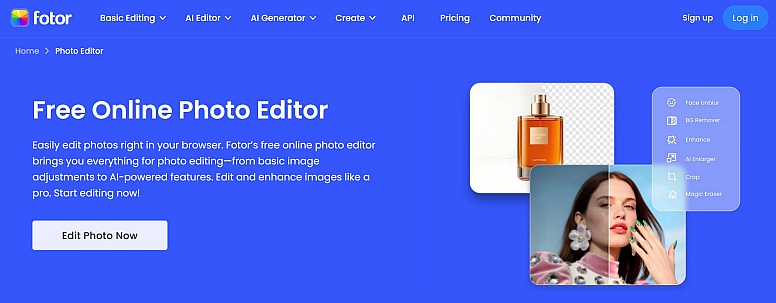
- AI photo improvement: Automatically boosts image quality.
- Manual controls: Adjust brightness, contrast, and saturation.
- All-in-one editor: Crop, retouch, and apply filters.
- Free with paid upgrades: High-resolution exports.
- Great for: Bloggers and small businesses.
Fotor offers a solid balance between automation and manual customization.
5. Pixelcut AI Photo Enhancer — Automated Enhancements for Creators
Pixelcut streamlines photo optimization with automated lighting, color correction, and background cleanup. Its batch processing options cater to creators and ecommerce sellers who require polished visuals at scale.
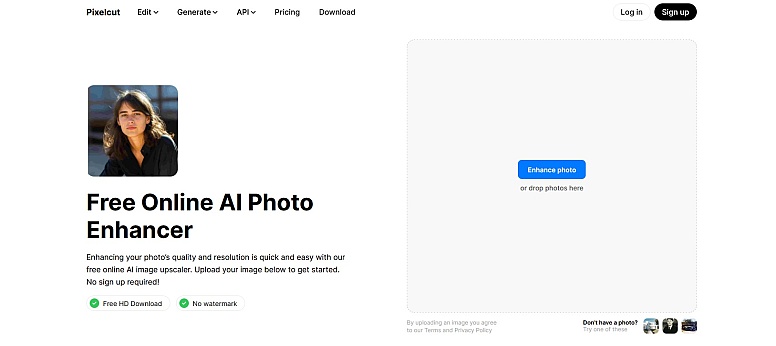
- AI lighting and color correction
- Background cleanup: Ideal for product shots.
- Batch processing: Available in premium plans.
- Best for: Influencers and ecommerce sellers.
Pixelcut is optimized for modern creators who need fast, polished visuals.
6. Remini AI Image Enhancer — Mobile AI Restoration
Remini revitalizes old or low-resolution photos directly on mobile devices, restoring clarity and enhancing portraits. Its AI-driven tools are tailored for quick fixes, making it a convenient option for on-the-go image enhancement.
- Restores old photos
- Enhances faces and portraits
- Mobile-first design
- Free with watermark
Remini excels at reviving low-quality and old images using mobile AI.
7. Canva Photo Enhancer — One-Click Enhancing in Design Workflow
Canva integrates automatic photo enhancement within its broader design platform, simplifying the process for beginners. This seamless approach allows users to refine images while building presentations, social posts, or marketing materials.
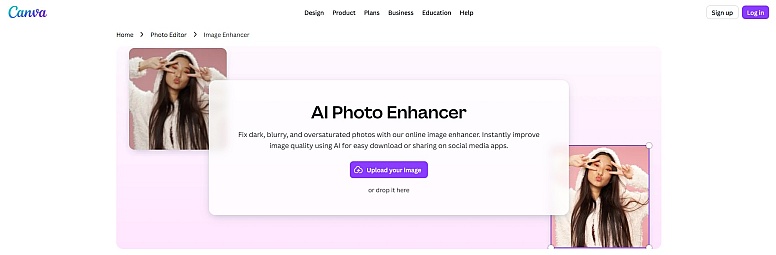
- Auto Enhance feature
- Built into design platform
- Beginner-friendly
- Free plan available
Canva makes enhancement effortless within a full design ecosystem.
8. Let’s Enhance AI — Bulk Enhancing & Upscaling
Let’s Enhance leverages AI to upscale images, reduce noise, and improve details in bulk. Its capabilities are particularly useful for ecommerce and print projects where maintaining high resolution across multiple images is critical.
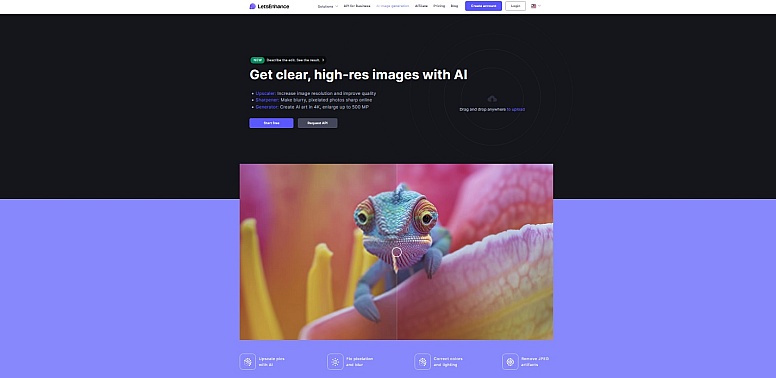
- AI upscaling
- Noise reduction
- Bulk processing
- Best for print & ecommerce
Let’s Enhance is perfect for high-volume image optimization.
9. VanceAI Image Enhancer — Noise Reduction & Detail Boost
VanceAI focuses on technical refinement, including denoising, low-light enhancement, and resolution improvement. This tool is well-suited for users who need to restore or perfect images with precision and clarity.
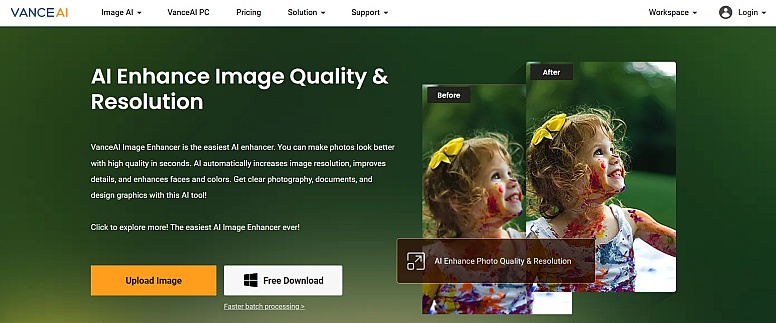
- Smart denoising
- Low-light enhancement
- AI resolution improvement
VanceAI specializes in technical image restoration.
10. Deep Image AI Enhancer — High-Resolution Outputs
Deep Image prioritizes ultra-high-resolution outputs, supporting 4K and 8K exports. Its API access and professional-grade tools make it an ideal choice for commercial projects requiring superior image fidelity.
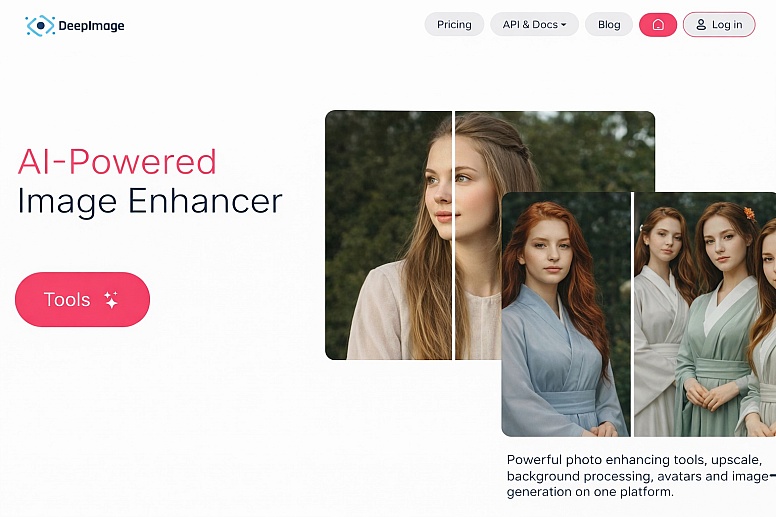
- 4K and 8K exports
- API access
- Professional workflows
Deep Image is ideal for commercial and print-grade visuals.
Bonus Picks: More Image Enhancers to Explore
- Upscale.media: Simple AI upscaler with fast online processing.
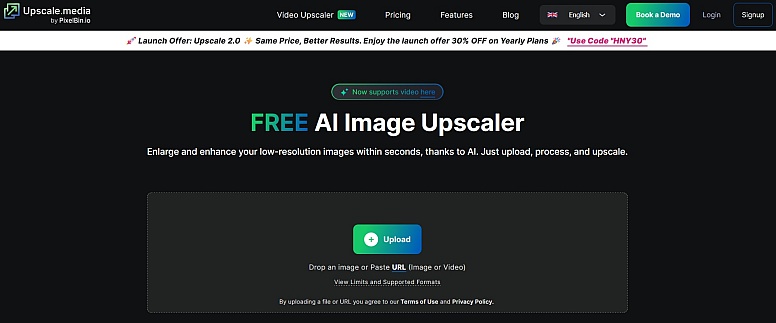
Upscale.media provides a fast, user-friendly AI upscaler, while ImgLarger combines enhancement, denoising, and upscaling for versatile image improvement. Both tools offer quick solutions for creators needing efficient results.
- ImgLarger: Combines enhancement, denoising, and upscaling.
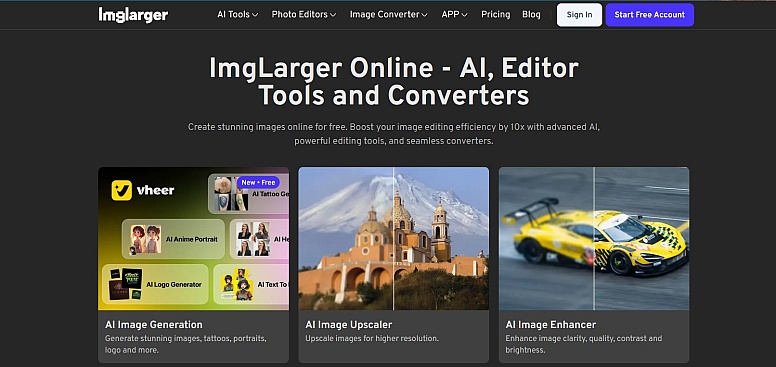
ImgLarger provides a versatile AI-driven solution that enhances image quality while reducing noise and increasing resolution. Its straightforward interface makes it easy for both beginners and professionals to quickly improve photos, especially when working with older, compressed, or low-resolution images.
Final Tips for Effective Image Enhancement
- Start with automatic AI tools before manual editing.
- Avoid over-enhancing—natural results perform better.
- Use high-resolution exports for print or ecommerce.
- Combine enhancement with sharpening and noise reduction.
- Test multiple tools to find your preferred visual style.
Choosing the right image enhancer can dramatically transform the quality and impact of your visuals. Whether you prefer free online tools like Colorik Image Enhancer or professional platforms like Photoshop and Luminar, the tools above cover every level of need and expertise.
With the right enhancer, even average photos can become eye-catching, professional visuals ready for marketing, social media, or creative projects.
LEAVE A COMMENT







0.2371