



12 Best Image Sharpening Tools to Make Your Photos Crisp & Clear
In the digital age, sharp and clear images are essential for making a strong impression—whether you’re a photographer, designer, marketer, or social media creator. Blurry or soft photos can diminish your content’s impact, but fortunately, powerful image sharpening tools make it easy to restore detail and clarity in seconds.
Let's have a look at some of the best image sharpening tools, highlighting user-friendly free options and professional-grade software.
Why Image Sharpening Matters
Image sharpening enhances the edges and details in your photos, making them look crisper and more defined. It’s a vital step in photo editing workflows to improve focus, texture, and overall image quality—especially when dealing with:
- Slightly out-of-focus shots
- Photos taken in low light or with camera shake
- Images downsized for web or social media use
- Older photos needing restoration
The tools listed below range from quick online sharpeners to AI-powered advanced software, ensuring you’ll find the perfect fit for your sharpening needs.
1. Colorik Image Sharpener — Best Overall Free Tool for Quick Sharpening
Colorik Image Sharpener is a lightweight online tool designed for users who want fast, no-friction image enhancement without dealing with complex settings or software installations.
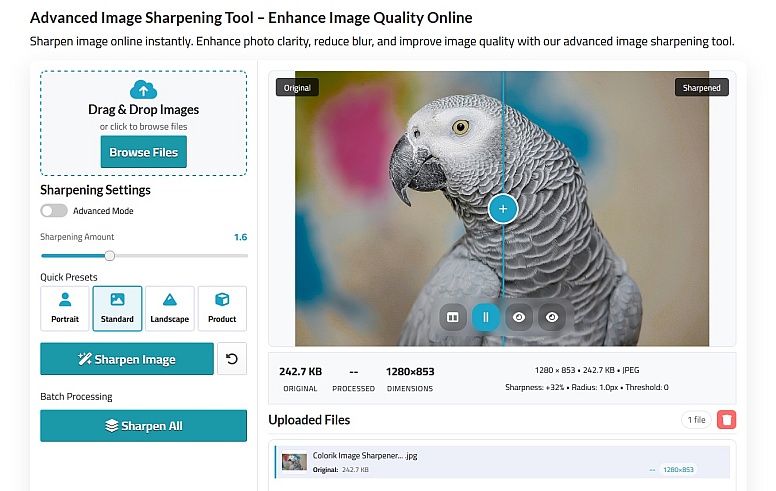
- Intuitive drag-and-drop interface: Sharpen images without technical hassle.
- Instant clarity boost: Removes blur and enhances details with one click.
- Supports multiple file formats: Upload JPG, PNG, and more.
- No sign-up required: Use freely and download your sharpened image immediately.
- Perfect for: Social media visuals, product images, and everyday photo enhancement.
Colorik combines simplicity with effective sharpening algorithms, making it the go-to free tool for users who want results fast and fuss-free.
2. HitPaw FotorPea — Smart AI Sharpening for Better Clarity
An AI-powered photo enhancement tool that stands out for its balance of simplicity and advanced processing. Unlike many online tools that rely on basic filters or require manual adjustments, HitPaw FotorPea uses trained AI models to intelligently restore details, sharpen edges, and improve clarity automatically. It is especially effective for low-quality, compressed, or slightly blurred images where traditional sharpening tools often fail.

- AI-driven sharpening with real detail reconstruction (not just edge enhancement)
- One-click workflow with no manual tuning required
- Better results on low-quality and compressed images compared to basic online tools
- Supports batch processing for higher efficiency
- Combines sharpening, denoise, and upscale in one tool
Best for users who want stronger and more consistent sharpening results than typical online tools, without complex editing.
3. Fotor Image Sharpener — AI-Powered and Customizable for Fine-Tuning
Fotor offers a flexible sharpening solution that combines AI-powered enhancement with manual controls, giving users both convenience and creative control.
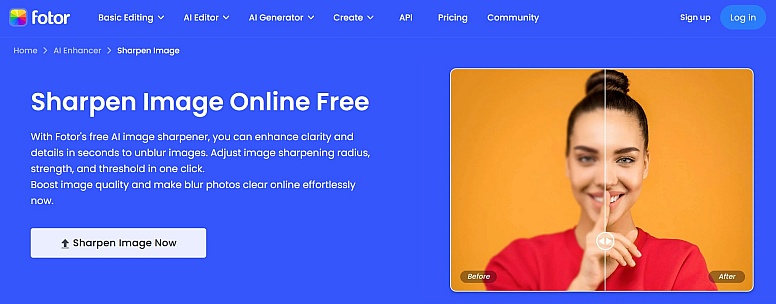
- AI unblurring: Automatically enhances sharpness and clarity.
- Manual controls: Adjust sharpness, contrast, and brightness to your liking.
- Additional editing features: Crop, retouch, and color-correct within the same app.
- Free with optional upgrades: High-res exports available on paid plans.
- Ideal for: Users who want a balance between automation and control.
Fotor is a versatile choice for photographers and designers who appreciate having sharpening options alongside broader editing tools.
4. ImagineArt AI Image Sharpener — Beginner-Friendly AI Enhancement
ImagineArt focuses on simplicity, using AI to improve clarity and detail with minimal user input, making it especially suitable for beginners.
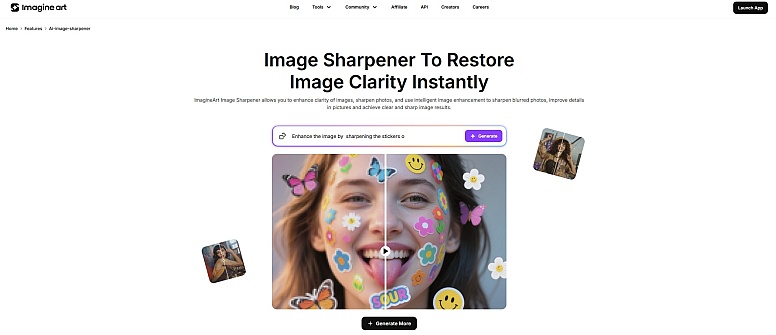
- Drag-and-drop simplicity: Sharpen photos with no learning curve.
- AI restores fine details: Works well on portraits, landscapes, and product shots.
- Natural-looking results: Avoids over-sharpening artifacts.
- Free and easy to access: No downloads or accounts necessary.
- Best for: New users and creatives wanting fast, effective sharpening.
ImagineArt’s AI is tailored to boost photo clarity with minimal fuss, making it perfect for quick touch-ups.
5. ClipSnap AI Image Sharpener — Specialized for Portrait Clarity
ClipSnap is tailored for portrait enhancement, using smart algorithms to sharpen facial features while preserving natural skin textures.
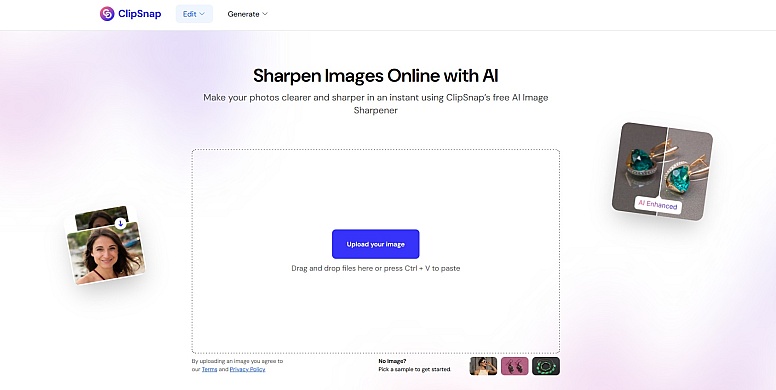
- Focus on facial features: Enhances skin texture and preserves natural tones.
- Noise reduction: Keeps portraits clean and polished.
- Browser-based and free: Instant sharpening with no watermark.
- Ideal for: Influencers, photographers, and portrait retouching.
ClipSnap sharpens faces beautifully, ensuring your portraits stand out with natural clarity.
6. Topaz Labs AI Image Sharpener — Pro-Level Sharpening for Photographers
Topaz Labs delivers professional-grade sharpening technology, widely trusted by photographers who need precise control over complex blur issues.
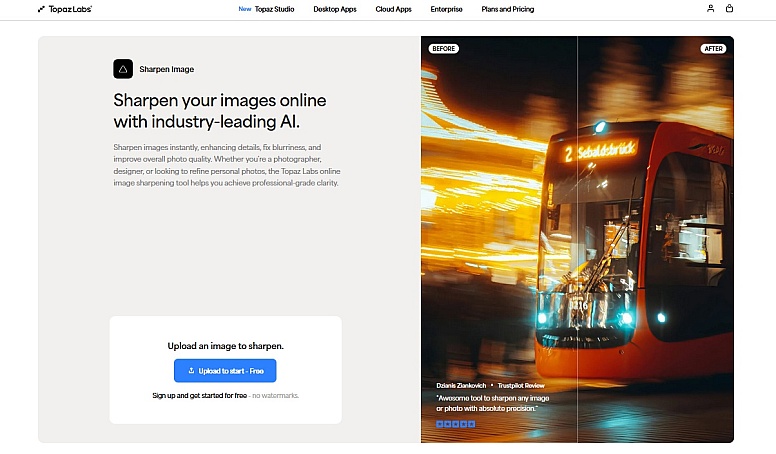
- Multiple AI models: Target motion blur, focus blur, and softness.
- Selective sharpening & noise reduction: Full control over detail enhancement.
- Plugin support: Integrates with Photoshop and Lightroom.
- Paid with trial available: Advanced features for serious editing.
- Perfect for: Professionals and photography enthusiasts seeking precision.
Topaz Labs is the gold standard for users requiring granular control and high-quality sharpening.
7. Canva’s Sharpen Tool — Convenient Sharpening in an All-in-One Editor
Canva’s built-in sharpening feature is ideal for users who want to enhance images directly within a broader design and content creation platform.
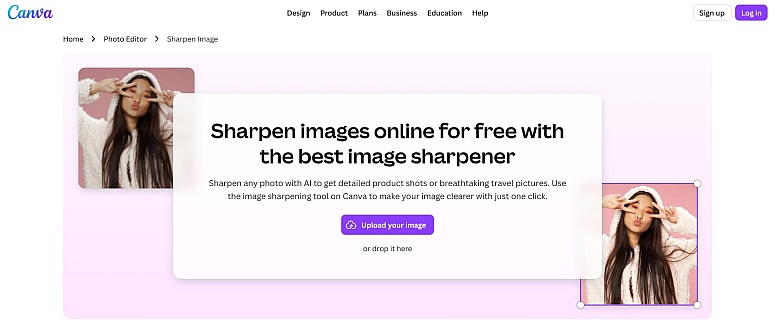
- Easy slider control: Adjust sharpness alongside brightness, contrast, and more.
- Integrated with design templates: Sharpen, then create social posts, presentations, or ads.
- Available on mobile and desktop: Edit anywhere, anytime.
- Free basic plan: No extra cost to try.
- Ideal for: Marketers and non-designers working within Canva’s ecosystem.
Canva keeps it simple with a sharpening feature built directly into its powerful design suite.
8. Zight Image Sharpener — Adjustable Intensity with Minimal Design
Zight provides a clean, distraction-free interface that allows users to adjust sharpening intensity quickly without overwhelming options.
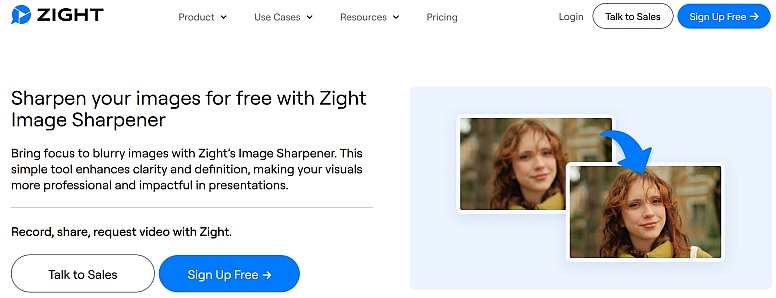
- Customizable sharpening level: Control the amount to avoid over-sharpening.
- Fast and free: Sharpen images in seconds with no registration.
- Minimalistic UI: Perfect for users who want straightforward tools.
- Great for: Quick fixes when you want precision without complexity.
Zight balances power and ease-of-use, letting you sharpen images to your liking effortlessly.
9. Retoucher Sharpen Tool — Part of a Comprehensive Photo Editor
Retoucher integrates sharpening into a full photo editing environment, making it useful for users who want to combine multiple retouching tasks in one place.
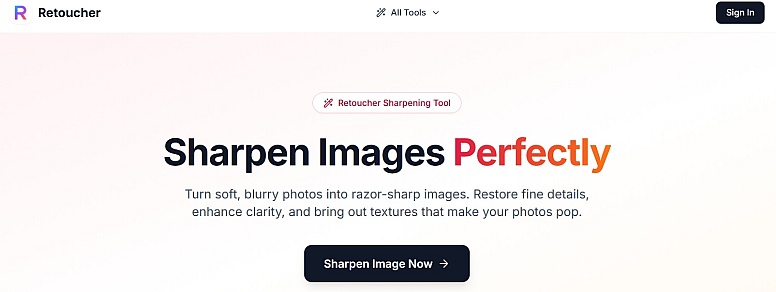
- Smart sharpening: Improves texture and edge clarity.
- Works well on various photo types: Portraits, landscapes, products, and old photos.
- Additional retouching tools: Blemish removal, background editing, and more.
- Free basic access: Advanced features require a subscription.
- Perfect for: Users who want sharpening integrated with overall photo retouching.
Retoucher offers sharpening as part of a holistic editing experience for photographers and hobbyists.
10. Pixelcut AI Image Sharpener — One-Click AI Sharpening for Creators
Pixelcut leverages artificial intelligence to automatically detect blur and refine image details, making it a popular choice for creators who prioritize speed and automation.
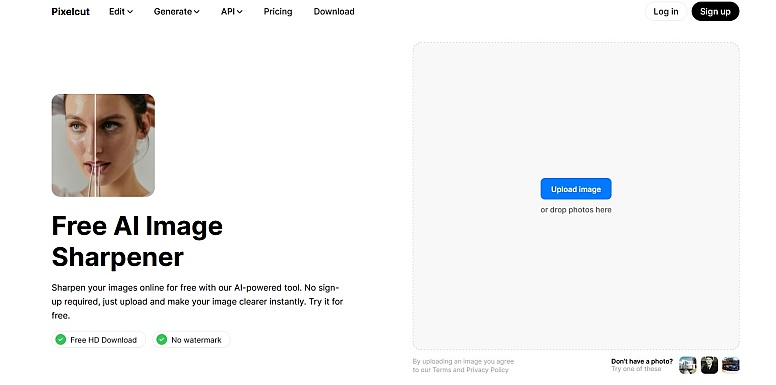
- AI-driven detail enhancement: Detects soft edges and refines them intelligently.
- Batch processing available: Upgrade for bulk sharpening on larger projects.
- No signup needed for free use: Immediate access with simple UI.
- Maintains image quality: Avoids adding noise or artifacts.
- Best for: Quick AI enhancements and creators needing batch capabilities.
Pixelcut’s AI technology helps breathe new life into soft images with minimal effort, making it perfect for busy content creators.
Bonus Picks: More Image Sharpeners to Explore
- 11. Pixelbin AI Sharpener: Instant blur removal with high-resolution exports and API access for developers.
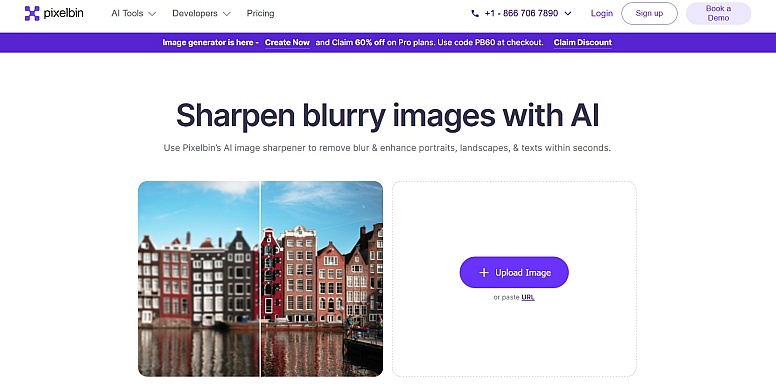
Pixelbin is designed for high-performance workflows, offering AI sharpening with support for high-resolution outputs and developer-friendly features.
- 12. Cuty.ai Image Sharpener: AI-driven edge enhancement tailored for ecommerce and marketing visuals.
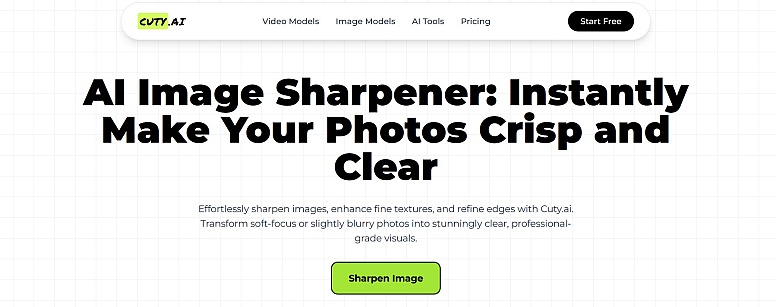
Cuty.ai focuses on enhancing product and marketing visuals, using AI to improve edge clarity for images intended for commercial use.
Final Tips for Effective Image Sharpening
- Always start with mild sharpening and increase gradually to avoid unnatural halos.
- Use AI-powered tools for the best results on softly blurred images.
- For large batches, choose tools that offer bulk processing to save time.
- Combine sharpening with other edits like contrast and noise reduction for balanced results.
- Test a few tools on your photos to find your preferred sharpening style.
Choosing the right image sharpening tool can dramatically improve your photos’ clarity and impact, whether you’re enhancing casual snapshots or preparing images for professional portfolios. The tools listed above cover a range of needs—from free, no-frills online sharpeners like Colorik Image Sharpener to advanced AI software like Topaz Labs for power users.
Try a few to find your perfect match, and watch your images transform with sharper edges and richer detail.
LEAVE A COMMENT







0.1932