



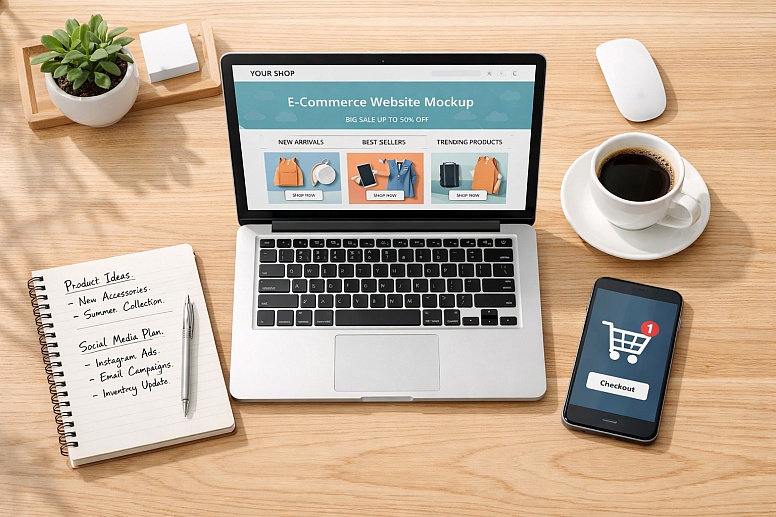
How to Launch Your First E-commerce Store in 7 Simple Steps
Freelance web designers and small business owners spot e-commerce opportunities every day, but launching that first commerce business can feel overwhelming. The idea excites you, yet beginner online retail brings challenges that stack up fast: brand clarity, trust, conversion, and basic SEO. Digital entrepreneurship rewards momentum, but most first-timers get stuck deciding what matters first and what can wait. A simple plan turns that uncertainty into focused action.
Build Your First E-commerce Store, Step by Step
This process helps you choose a focused product direction, build a store that converts, and start marketing without getting buried in tools. For freelance designers and small business owners, it keeps the work practical: clear positioning, clean UX, and simple growth tasks you can repeat for future projects.
- Choose a niche you can describe in one sentence: Start with a narrow customer and a clear problem you solve, then list 10–20 product ideas that fit that promise. A tight niche makes your design decisions easier, your messaging sharper, and your ads and SEO more targeted.
- Validate demand with quick, real-world research: Review search results, marketplaces, and competitor stores to see what customers already buy, what they complain about, and where pricing lands. The Library of Congress Small Business Hub shows how to research industry trends, competition and potential consumers so you can confirm your idea fits the market before you build.
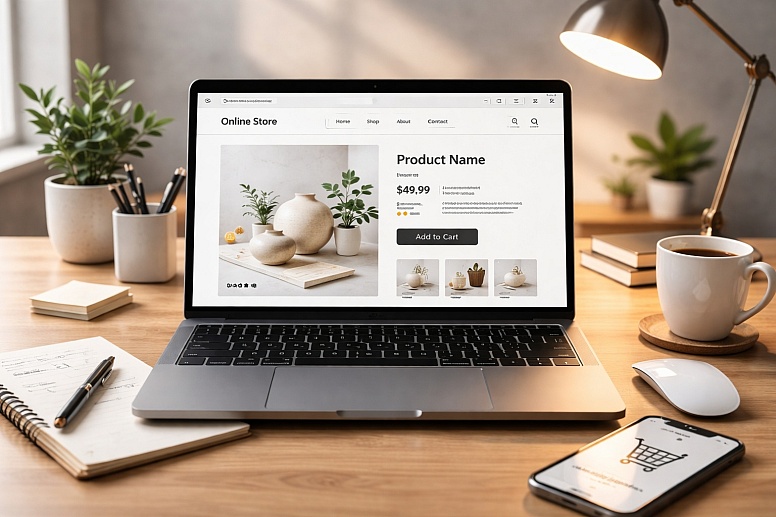
- Design a user-friendly storefront that builds trust: Sketch your homepage, product page, and checkout flow first, then design for clarity: strong product photos, plain-language benefits, visible shipping and returns, and obvious calls to action. If you are short on time or need a refresh, Commerce Pundit notes you can work with website design experts to speed up execution while keeping quality high.
- Set up store basics so orders run smoothly: Add your top products, write simple descriptions, set pricing, shipping rules, taxes, and payment methods, then place a few test orders end to end, and if you're exploring broader management basics, take a look here at an overview of business management coursework.
- Launch a simple marketing loop and improve weekly: Start with one channel you can maintain for 30 days, such as short-form content, email, or search-optimized product pages, then track one metric that matters, like add-to-cart or conversion rate. Focus on what produces sales or qualified signups, and let customer behavior guide your next move.
E-commerce Platforms Compared at a Glance
To keep your launch lean, pick a platform that matches your budget, build speed, and how much control you need over UX. This comparison helps freelance designers and small business owners choose tools that support clean UI today and smoother growth later, in a market where U.S. retail e-commerce sales reached $316.1 billion in the fourth quarter of 2025, signaling serious competition.
|
Option |
Benefit |
Best For |
Consideration |
|
Shopify |
Fast setup, polished templates, strong app ecosystem |
Designers shipping quickly with minimal dev |
Monthly fees plus paid apps can add up |
|
Full WordPress control and flexible product setup |
Content-led brands and SEO-first stores |
Requires hosting, updates, and plugin management |
|
|
BigCommerce |
Built-in features reduce reliance on apps |
Catalogs needing advanced options out of box |
Theme customization can feel less fluid |
|
Squarespace Commerce |
Strong visual layout and simple editing |
Small catalogs prioritizing brand presentation |
Limited deep commerce workflows and extensions |
If you need speed and reliability, hosted platforms simplify upkeep. If you want deeper customization, plan for time on maintenance since scalability tools, analyze data, computing resources become more important as traffic and orders rise. Choosing the right fit now keeps your next move clear.
Quick Answers Before You Hit Publish
Q: How can I identify a profitable niche without feeling overwhelmed by options?
A: Start by listing 3 problems you can solve and 3 audiences you already understand, then look for overlap. Validate quickly with a "smallest viable catalog" of 5–10 products and a simple pre-launch signup page to gauge interest. Pick the niche where you can clearly explain the value in one sentence and source products reliably.
Q: What are the simple steps to conduct market research that actually help me understand my customers?
A: Talk to 5–10 real people in your target group and ask what they bought recently, why, and what nearly stopped them. Then scan reviews of competing products to extract repeated phrases about fit, shipping, and quality. Turn those insights into a short list of objections to answer on your product pages.
Q: How do I create a website that's easy for visitors to navigate, even with limited technical skills?
A: Use a clear menu with 4–6 items, consistent button labels, and one primary call-to-action per page. Build around a simple path: homepage to collection to product to checkout, and remove anything that distracts from that flow. Before launch, run a five-minute test with a friend and fix anything they hesitate on.
Q: What strategies can I use to attract and keep customers without feeling lost in digital marketing?
A: Choose two channels only, such as short-form content plus email, and ship weekly for 30 days. Prioritize on-site improvements too, since conversion rate optimization is widely used by marketers, making small page tweaks a practical lever. Track one metric per channel and keep what produces sales or qualified signups.
Q: What if I want to turn my side project into a secure and smoothly managed online store?
A: Use secure payment options with basic fraud checks, require strong admin passwords, and enable automatic updates wherever possible. Draft the essentials early: shipping and returns policy, privacy policy, terms, and a simple customer service form you can reuse for refunds and order issues. Keep a master copy of these documents, so updates are easy when your policies evolve, and when you need to revise a policy quickly, consider this option to update the PDF without rebuilding the whole file.
Launch-Ready Store Checklist
This checklist turns your launch into a clear finish line, not a foggy "almost done." Use it to confirm your store is ready to sell, and to protect your time by focusing on the few setup moves that prevent most first-week headaches.
✔ Define a one-sentence offer for a specific buyer
✔ Build 5 to 10 polished product pages with clear photos
✔ Configure checkout, taxes, shipping rates, and order notifications
✔ Verify payments, refunds, and basic fraud protection settings
✔ Write shipping, returns, privacy, and terms pages
✔ Set up one email capture and one welcome email
✔ Run a full test purchase on mobile and desktop
Hit publish, then improve from real customer feedback.
Ship a Simple Store Today and Start Earning Feedback
It's easy to get stuck polishing pages and second-guessing details, especially when the first launch feels like it has to be perfect. The better path is the entrepreneurial mindset this guide has followed: build a clear, launch-ready version, test it in the real world, and improve from evidence.
That's where e-commerce startup motivation turns into first business success steps: confidence, customer signals, and a repeatable workflow for small business growth strategies. Launch small, learn fast, and let customers guide the next build.
In the next 30 minutes, commit to one build-and-test task: publish one product, run a full checkout, or send a simple "now live" message. Those small releases compound into resilience, revenue, and steady growth.






0.3314