



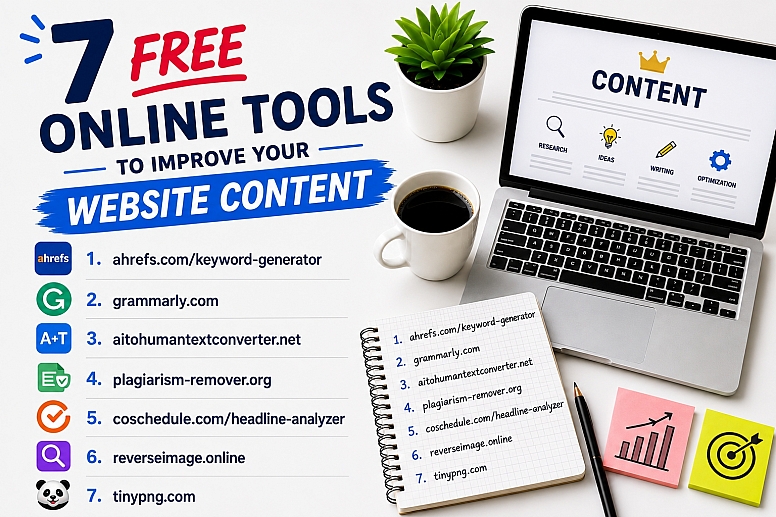
8 Free Online Tools to Improve Your Website Content
People think that improving website content is all about the body text you write. But that’s just one part.
The reality is, if you really want to create content that Google loves, you need to focus on a lot more than just words alone. For instance, keywords matter, content uniqueness matters, and even the proper use of compressed images plays a key role. Together, these factors make a website’s content more appealing to search engine algorithms and people.
So, considering all that, we’re going to list 7 free online tools that will help you improve the various aspects of your content. And with that in mind, let’s get started here!
1. Ahrefs Free Keyword Generator — Find the Right Keywords Before Starting to Write
You create content for people, right? But what if you don’t even know the queries your target audience is searching for? In such a situation, no matter how great your content is, it will never be valuable to the intended audience, or your target audience will never be able to find it.
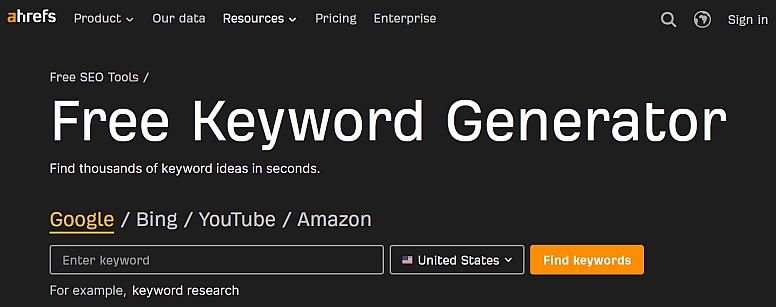
So, to make sure that this never happens, you can use Ahrefs’ free keyword generator before starting the writing phase of your content.
But why?
Well, this online utility can help you find relevant keyword ideas that can guide your content strategy. For instance, you can begin by entering a seed (main) keyword, which will further provide you access to:
- Keyword suggestions
- Search volume estimates
- KD (Keyword Difficulty) scores
And with these stats, it will be easier for you to identify topics with ranking potential.
This means that whether you’re a blogger, marketer, or website owner, you can use this particular online tool to optimize your content without investing in expensive SEO software. And even though its free version has daily search restrictions, it can still provide you enough insights to help you plan SEO-friendly:
- Articles
- Landing pages
- Product description
Pros
- It features a simple interface that takes no training, even for beginners, to get started.
- It generates keyword ideas for content planning and displays KD as well as search volume estimates.
- It is completely free to use and requires no installation whatsoever to get started.
Cons
- Due to being a free utility, this online tool provides fewer stats than the premium version.
- It has a limited number of free searches per day.
2. Grammarly — Polish Your Writing for Better Readability
You’ve found the right topic ideas and keywords around which you need to create content. So, after extensive research, you’ve started the writing part.
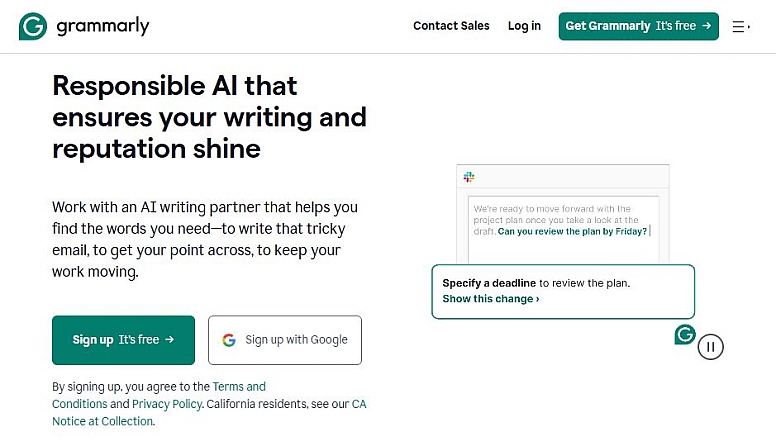
But the fact of the matter is, even the most informative content can lose its impact if it’s filled with awkward phrasing, grammar mistakes, or spelling errors. And that’s where Grammarly can help.
Grammarly is a freemium online tool that serves as a comprehensive AI-powered proofreading utility. So, it can help you improve the various aspects of your content quality before publishing. But how?
Well, it scans your website’s content in real-time and highlights issues related to the following aspects:
- Grammar
- Punctuation
- Clarity
- Readability
- Tone
So, whether you’re writing content for a blog post, landing page, or some other website copy, this online utility can help you make sure that your text is easy to read, engaging, and professional.
Pros
- It improves sentence clarity and readability by detecting grammar, punctuation, and spelling errors.
- Through contextual understanding, it also provides suggestions for writing style and tone.
- Even though it’s a freemium utility, its free version is enough to cover the most essential writing needs.
Cons
- Some of its recommendations may not suit every writing style. So, you may need to think critically about its suggestions.
3. AItohumantextconverter.net — Make AI-Generated Text Sound More Natural
Grammarly uses NLP and the training of its AI-powered models to provide contextually appropriate suggestions in real-time. But the assistance of such a tool should be kept strategic.
However, some people don’t understand this and go overboard when applying the recommendations of Grammarly. As a result, their entire content, which they created from scratch, starts to sound AI-ish.
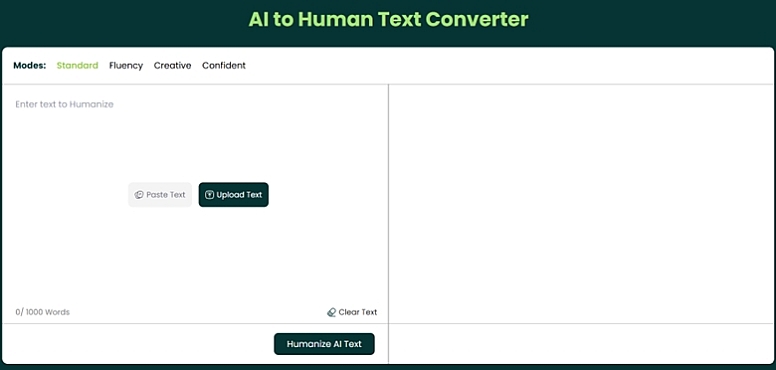
And when content sounds robotic, no matter how informative it is, people will have a hard time trusting it. So, if you’ve also applied the suggestions of Grammarly without thinking strategically or your content feels robotic, you can use AItohumantextconverter.net to bring back the natural feel of your text.
As the name suggests, this AI to human text converter is a free online utility that can transform AI-sounding text into content that reads naturally. But how?
Well, its rewriting engine has been specifically trained with the writing patterns of humans. So, it can humanize AI text by:
- Restructuring sentences
- Refining wording
and
- Improving the overall flow
However, while doing so, this online tool keeps the original meaning unchanged, which is something it has been specifically programmed to do.
So, whether you’ve applied the suggestions of Grammarly unthinkingly or you use AI to create the first draft, you can use this AI text humanizer to make your content sound authentic and engaging for human readers.
Pros
- It not only humanizes AI-sounding content but also reworks its readability and sentence flow.
- It has a simple user interface that allows users to process text quickly.
- By reducing robotic or repetitive phrasing, this online utility can help create more engaging website content.
Cons
- You may need minor manual editing after transforming your text with it.
4. Plagiarism-remover.org — Improve Content Originality
When people explore different resources, they don’t expect the same copy of existing information everywhere—they want some unique value in each source, right? In the same way, the algorithms of search engines don’t prefer rehashes of existing information when ranking content.
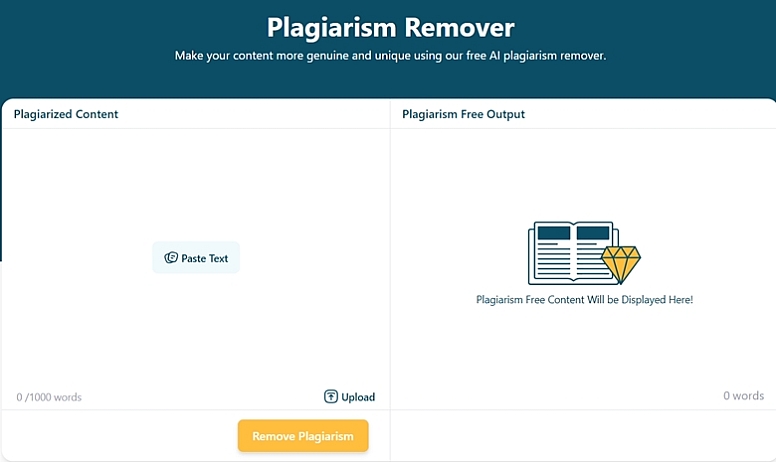
So, to make sure that you are not just creating another version of existing information, you can use a plagiarism checker. And if a plagiarism detector discovers any hints of duplication or unoriginality in your website’s text, you should remove them before publishing. Otherwise, your content won’t be unique and valuable. And that’s where Plagiarism-remover.org will be handy.
As the name suggests, this plagiarism fixer is an online tool that helps rewrite duplicated or highly similar text into fresh, original content while retaining the intended meaning. It has been programmed to always take a unique approach to rewriting the given text. So, even if you keep processing the same content with it, you will always get a unique variation.
But how can it help you improve your website content?
Well, there are times when it simply becomes impossible to rewrite something to avoid the threat of duplication or plagiarism. And this is especially true when you suffer from writer’s block. So, if this happens to you, you can take assistance from the rewriting suggestions of a plagiarism changer. And then, you can build upon its recommendations further to rewrite your website’s content on your own.
Pros
- It can quickly rewrite duplicated content into unique text while preserving the original meaning.
- Its UI is user-friendly and easy-to-use, meaning anyone can improve their content originality without needing any technical skills.
- It works with the website content of all types, be it a blog post, a landing page, or something else.
Cons
- Technical content may require additional editing after getting revamped from Plagiarism-remover.org.
5. CoSchedule Headline Analyzer — Create More Compelling Headlines
The body is obviously the most important aspect of a website’s content. However, it is not the first thing that readers see. In fact, it isn’t even the first thing that draws people.
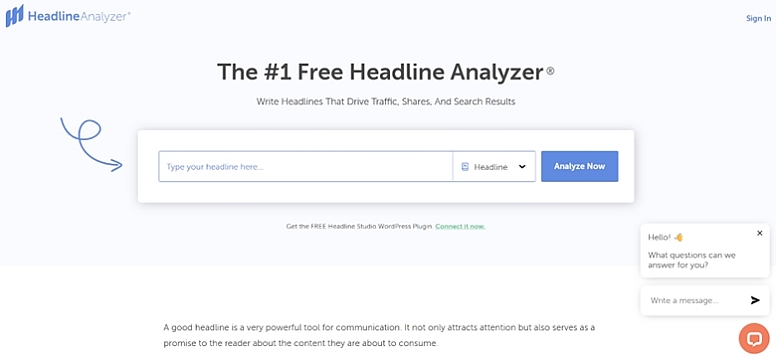
What attracts eyeballs in the beginning is the headline of the content. And there are some rules for crafting such an attention-grabbing headline. But if you don’t want to memorize that entire theory, you can simply run it through CoSchedule’s headline analyzer.
As the name suggests, the headline analyzer from CoSchedule compares a given headline against search engines’ criteria. And based on its analysis of emotional appeal, readability, structure, and word balance, it generates:
- A final score
and
- Provides practical recommendations on how to improve it
So, you can use the suggestions of this web utility to increase click-through rates (CTR) and encourage more users to engage with your website’s content.
Pros
- It quickly evaluates the effectiveness of headlines, based on the updated suggestions of search engines.
- It provides actionable suggestions to encourage powerful and stronger emotional words.
- It is easy to use for everyone. So, anyone can use its suggestions to improve the CTR of their website’s content.
Cons
- Its free version has some limitations. So, if you truly want to enjoy its benefits, you will have to purchase its premium membership.
6. Reverseimage.online — Verify Image Originality and Find Image Sources
Images play an essential part in modern website content. But using unverified visuals can do more harm than good.
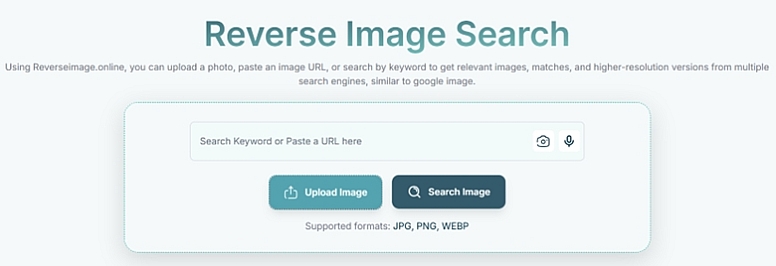
For instance, such a practice can lead to copyright and credibility issues. But you can avoid such problems for your website by using Reverseimage.online before adding any picture to your content.
As its name indicates, it is an online reverse image finder that allows people to search by image across the web. And in doing so, it helps people:
- Identify the source
and
- Discover where else the uploaded picture has been used
But how can this be helpful for you, as a website content creator?
Well, you can find an image online through such a utility to:
- Avoid duplicate visuals
- Verify image authenticity
And doing so can help you make more informed decisions about whether you should include a particular photo in your content or not.
Pros
- It is free and quite easy to use, meaning that anyone can take assistance from it without needing a particular skill set.
- It helps verify image originality and locate the original source of a picture to support better visual content management.
Cons
- Its search results depend entirely on the availability of the indexed images. This means that if a picture isn’t indexed in a particular image search engine, this tool won’t be able to find it. So, it can be challenging for you to check the originality of such images.
7. TinyPNG — Optimize Images for Faster Page Loading
Everyone knows that high-quality images improve the quality of an entire web page, as they make it more engaging. But the issue with such pictures is their size.

For instance, by default, all high-quality photos are quite large image files. And when you upload them as-is on your website’s content, they reduce the page speed, ruining the overall experience. But this is where TinyPNG can help you.
This free online tool is basically an image compressor. So, it solves the issue of delayed page loading by compressing the following types of pictures:
- JPEG
- PNG
- WebP
What’s good about this web utility is that it doesn’t make a noticeable difference to image quality while compressing it.
So, you can use this online tool for faster loading speeds, improved user experience (UX), and potentially better search engine performance. In fact, that’s exactly why such a tool is valuable for anyone who wants to improve their website’s content.
Pros
- Although it’s a freemium tool, its free functionality will be more than enough to cover everyday optimization tasks.
- You can upload all common types of pictures to this tool, be it a JPG, JPEG, PNG, or WebP.
- Its advanced compression algorithms are perfect for reducing the size of images while keeping their quality intact.
Cons
- The free version of this online tool has limitations on the number and size of image uploads.
8. Walter Writes AI - Check Whether Your Content Will Be Flagged as AI-Generated
Before publishing your work, take a few minutes to see if your writing has been identified as being generated using AI. After all, you have already run your writing through Grammarly for grammar errors and to make your writing appear more "natural".
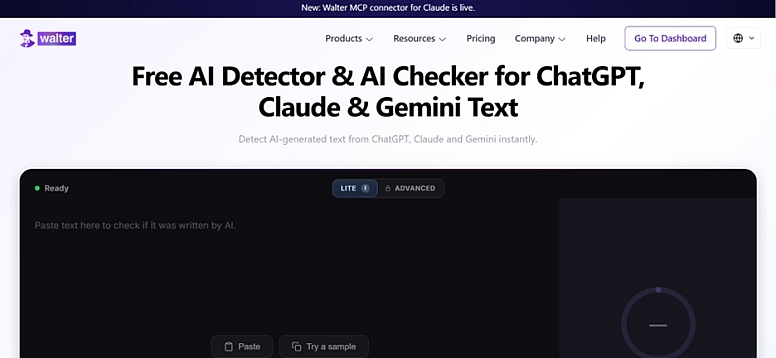
Walter Writes AI detector detects the use of AI in written content and alerts you of potential issues prior to your readers viewing your website.
The free tool will scan the content of your website and provide you with an accurate detection score indicating which areas of the content may have triggered the algorithms used by GPT Zero, Turnitin, or Copyleaks.
- What likelihood there is that users will detect your published content as having been generated by an AI
- Which areas of the article or document have the highest scores in terms of being generated by an AI
- Whether your content reads naturally enough to pass detection
So, whether you used ChatGPT to draft a blog post or relied heavily on Grammarly's suggestions, you can run a quick check before publishing.
Pros
- Provides a clear detection score so you know exactly where your content stands before publishing.
- Supports 80+ languages with automatic detection, useful for international website owners.
- Free tier available with no credit card or sign-up required.
Cons
- No guarantee of 100% bypass across every detection system, as detectors continue to evolve.
The Final Verdict
All in all, creating high-quality website content requires more than just good writing. From researching keywords and polishing grammar to optimizing originality, headlines, and visuals, every step contributes to a better user experience and stronger search performance.
So, the seven free tools we’ve discussed above simplify these tasks without requiring a significant investment. And that is exactly why such utilities are valuable resources for bloggers, marketers, and website owners alike.
Thus, include the tools we’ve mentioned above in your content creation workflow, as doing so can help you consistently produce engaging, credible, and well-optimized content—content that also resonates with readers and supports your website’s long-term growth.






0.2343