




7 Best Lightroom Plugins for Bulk Editing in 2026
Lightroom Classic remains the most widely used by industry wedding photographers and portrait photographers. The catalog software, non-destructive editing, and seamless integration with Photoshop make it the primary choice for the vast majority of workflows used by professionals.
However, even with the powerful Lightroom capabilities, bulk editing hundreds or thousands of photos can be laborious. The plugins are the solution.
The most effective Lightroom plugins extend the platform's capabilities by incorporating artificial intelligence-powered culling and editing, as well as automated Lightroom photo editing and batch processing features that turn months of hard work into a few days. The following are the best seven Lightroom plugins to use for bulk editing in 2026.
Edit Hundreds in Minutes: 7 Best Lightroom Plugins for Bulk Editing in 2026
Not all tools listed here are traditional Lightroom plugins; some work as external editors or workflow tools that integrate with Lightroom to improve bulk editing efficiency.
1. Imagen AI
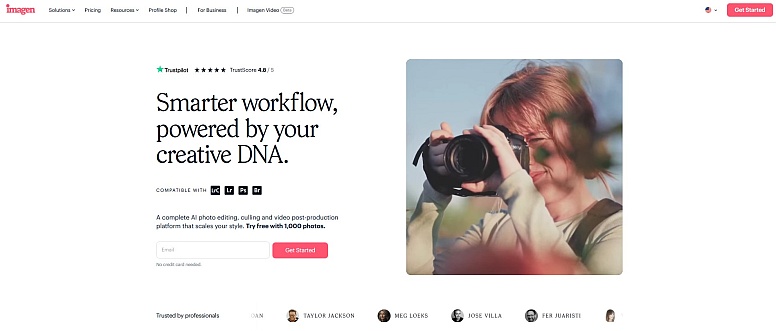
Imagen AI has become the most popular Lightroom plugin specifically for wedding photographers. It learns your individual editing style by analyzing your Lightroom catalog, then applies your style consistently across entire collections. Unlike presets that apply the same settings to every photo, Imagen adjusts exposure, white balance, and tone curves uniquely while maintaining your preferred aesthetic.
Among the best Lightroom bulk editing plugins, Imagen stands out for its style-learning precision, turning your editing history into a reusable AI model that delivers consistent results across thousands of images.
How it Works: The way to create Imagen is by uploading more than 2,000 previously edited photos in Lightroom Classic. The AI analyzes your adjustments, everything from basic exposure to sophisticated color grading and builds a personal profile.
Once it is trained, you can create a wedding gallery, and Imagen analyzes each photo on the cloud and returns with fully altered DNG photos ready to be edited to make final tweaks. This process typically takes a few hours depending on queue times and server load, making it significantly faster than manual editing.
Key Features:
- Personal AI Profile trained on the editing style you actually use.
- The system processes images in less than 0.5 seconds per image.
- Editing that is non-destructive preserves the original raw documents.
- The basic AI culling for picks and rejections.
Ideal for: Wedding or portrait photographers with consistent styles and a desire for hands-free batch editing.
Pricing: Pay-per-image starting at around $0.05 per edit, with additional subscription-style plans available depending on usage.
2. Aftershoot
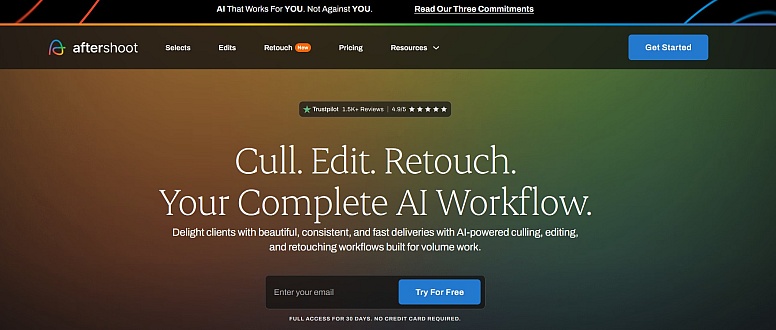
The Aftershoot program combines AI culling and batch editing in a single workflow that is integrates with Lightroom while running as a separate desktop application. It takes care of everything from choosing the best keepers to applying your own design, and all within the Adobe ecosystem. If you are a photographer looking to simplify your post-production workflow, Aftershoot offers a complete solution.
How it Works: Aftershoot works as a desktop application that integrates with Lightroom. Upload your photos to Aftershoot, which is where the AI filters images by separating duplicates, flagging soft frames and even detecting facial expressions.
After you select your favorite images, you apply your own style by using either your own AI Profile that is trained upon your own work, or by using one of the preset Designer Styles. Final edited photos export straight to Lightroom.
Key Features:
- Advanced AI culling with face grouping as well as duplicate detection.
- Personal AI Profiles and Creator Styles.
- AI retouching for skin smoothing and clean-up.
- No internet is needed.
Recommended for: Photographers who shoot in high volume, looking for a tool that handles culling, editing, and retouching in one streamlined workflow.
Pricing: Flat monthly subscription; Essential plan at $9.99/month, Pro at $14.99/month.
3. Retouch4me
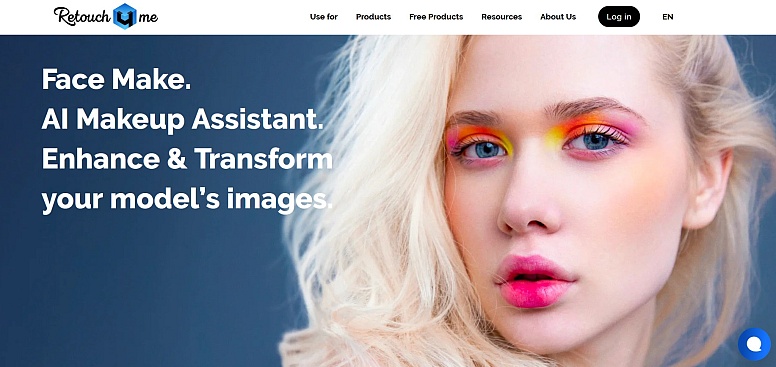
Retouch4me is a collection of specially-designed automated Lightroom photo editing plugins for natural skin retouching. Every plugin is taught using authentic professional retouching techniques, which result in results that keep the skin's texture while also removing any imperfections and evening skin tone. For wedding photographers editing hundreds of images, these plug-ins will help save time and effort.
How it works: Retouch4me plugins work as standalone programs as well as Lightroom plugins. When you select photos in Lightroom and then open the Retouch4me plugin, it processes your images instantly.
Heal removes imperfections. Dodge & Burn adds depth. Eye Brilliance enhances eyes. All edits apply as adjustable layers. These specialized tools work alongside these Lightroom plugins for bulk editing, handling precise retouching that general AI editors may miss
Key Features:
- Heal for blemish removal.
- Dodge & Burn for portrait dimension.
- Eye Brilliance and Portrait Volumes.
- Fabric and skin tone enhancement tools.
- It works well on older computers.
Ideal for: Portrait or wedding photographers needing efficient, natural skin retouching across large galleries.
Prices: One-time purchase per plug is about $75-120 per purchase.
4. Luminar Neo
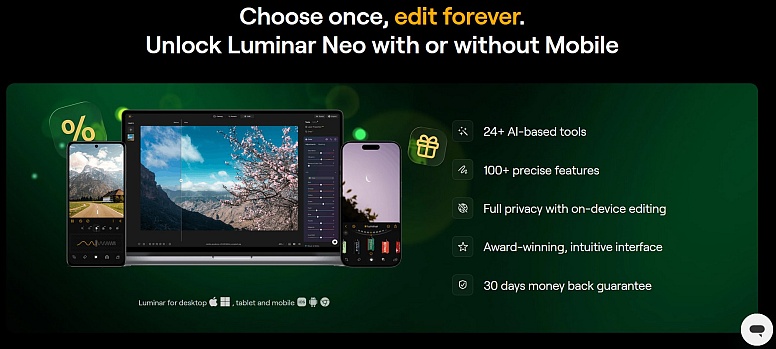
Luminar Neo operates as both a standalone editor and a Lightroom plugin, focused more on creative enhancements than bulk editing. Its AI-powered tools, like Relight AI, Sky AI, and Portrait Bokeh AI, allow photographers to achieve complex edits without manual masking or Photoshop workflows.
How it works: Install Luminar Neo as a plugin and use Lightroom’s “Edit In” option to open selected images. Apply AI-based adjustments such as depth-aware lighting, sky replacement, or background blur, then save the edited version back into Lightroom.
What sets it apart: Luminar Neo has evolved beyond basic AI editing with powerful generative tools like GenErase, GenSwap, and GenExpand, allowing object removal, replacement, and scene extension with minimal effort.
Key Features:
- Relight AI for depth-aware lighting control
- Sky AI and atmosphere tools for quick scene enhancement
- Generative AI tools (GenErase, GenSwap, GenExpand)
- Layer-based editing with AI masking
- Works as both standalone software and a Lightroom plugin
Ideal for: Photographers who want to add creative, stylized edits to selected images rather than automate full batch workflows.
Price: Starts around $49/year or $99+ for a one-time license. Note: generative AI tools and updates are typically included for one year, after which renewal may be required.
5. Topaz Photo AI
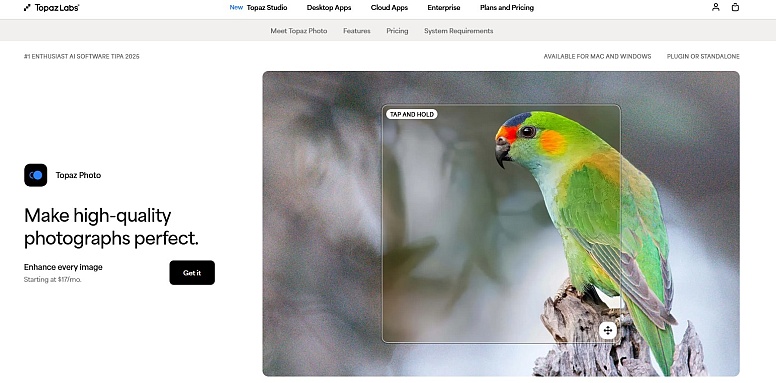
Wedding photographers often face difficult lighting situations like dark churches, midday sun, and venues for receptions which have mixed lighting. Topaz Photo AI combines denoise, sharpening, and upscaling to create a Lightroom software that analyses each photograph and applies the most effective adjustments automatically.
How it works: When you edit using Lightroom, you select the images that require a recovery from noise, high-ISO images, as well as images with a soft or slightly soft appearance or crop images that require upscaling.
Pick "Edit In" Topaz Photo AI. This software analyzes the image by making the best combination of sharpening, denoise and upscaling. After processing, the images are returned back to Lightroom and are corrected.
Key Features:
- AI noise reduction that maintains the clarity while eliminating the background noise.
- AI sharpening to fix motion blur.
- AI super-resolution upscaling for large prints.
- Automated analysis reduces the time spent.
Ideal for: photographers who shoot frequently in low light conditions or under difficult circumstances.
Pricing: Typically available as a one-time purchase (around $199), with optional paid upgrades for future versions.
6. ON1 Photo RAW
ON1 Photo RAW can be described as an editing system that can also function as an automated Lightroom photo editing plugin. Photographers who prefer a non-subscription alternative for bulk editing, ON1 offers AI masking, HDR merging, and panorama stitching. It also has extensive batch processing capabilities.
How it works: Install ON1 Photo RAW as a Lightroom plugin. Pick images within Lightroom and select "Edit In" ON1 Photo RAW. It opens your images within ON1's interface. Here, you are able to implement AI masking, creative effects, and batch processing.
Save changes and import back as new versions. ON1 offers comprehensive cataloging for photographers ready to move beyond Lightroom. It ranks among some of the best Lightroom plugins for those wanting powerful bulk editing with the flexibility to replace or complement their current workflow.
Key Features:
- Complete RAW processing with non-destructive adjustments.
- AI masking for the subject and detection of the sky.
- Editing layers using masks and blend modes.
- HDR merging, panorama stitching, and focus stacking.
Ideal for: Photographers looking for a non-subscription alternative to Adobe.
Price: ON1 offers a one-time purchase model as a non-subscription alternative; a one-time license is about $99.
7. Photo Mechanic

Photo Mechanic is not a Lightroom plugin or editing software, but a standalone pre-culling tool essential for photographers who have to sort and then add metadata prior to bulk editing in Lightroom. The instant previews of RAW images and robust metadata tools make it the fastest method to look through many thousands of images and to make them ready for editing.
What it does: You load memory cards into Photo Mechanic, where you can browse RAW photos immediately without time-consuming loading. Utilize keyboard shortcuts to tag keepers to rate the images and include metadata. You can then import just the chosen photos into Lightroom, drastically reducing the quantity of files that the editing software must handle.
Key Features:
- Instant RAW previews without delays in loading.
- Highly efficient metadata templates, as well as the replacement of code.
- Renaming batches in batch as well as IPTC data entry.
- Take up to four pictures one by one.
Ideal for: photographers who must sort and arrange thousands of images prior to processing.
Price: One-time license. between $139 and $229, based on the version.
Conclusion
The correct Lightroom plugin will transform bulk editing into an efficient workflow. Imagen AI allows for a style-coordinated batch editing. Aftershoot integrates culling, editing and editing and retouching within the same offline workflow.
Retouch4me is a specialist in authentic skin retouching. Luminar Neo adds creative enhancements. Topaz Photo AI rescues low-light images. ON1 offers a one-time purchase (non-subscription). Photo Mechanic provides the fastest culling system.
These best Lightroom editing plugins, as well as automated Lightroom photo editing tools, allow photographers to maintain their quality as they cut post-production time significantly. The majority of them provide free trials, test them and pick the ones that work best for your workflow.







0.1612