




Top 8 Easy to Navigate OCR Text Recognition Apps for Mobile
If you have images from which you want to extract the text or other characters, then simply turn to the OCR Apps that do it all for you. OCR (Optical Character Recognition) is a legitimate and swift process that is here to rescue.
We are going to tell you about the best OCR-based applications for mobile that quickly make text extraction free of cost.
Why the Need for OCR Apps?
OCR scanning and recognition applications for mobile are mainly considered for extracting text from receipts, documents, business cards, scanned documents (e.g., AI invoice processing), and more. You can also scan and extract text from business or paper visiting cards for free with fast processing by using a business card scanner app with OCR.
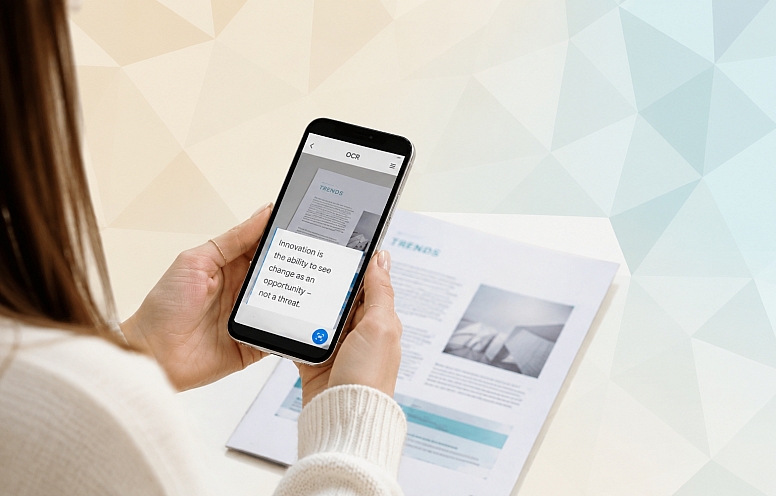
Let’s explore other applications for mobile to pull text from certain files.
Google Keep
Google Keep works as a cloud-based note-storing application; it is a well-known competitor of Evernote and OneNote. The upside is that its sources update the application from time to time. In addition to note-keeping, this OCR app functions to capture text from images. The OCR-based application is available for both iOS & Android devices; it is a 100% free and ad-free app similar to OCRnote.
Text Fairy
Text Fairy OCR application is available for Android users to make text extraction. If you want to use the OCR application frequently, then Text Fairy is the best option. The most appealing thing is that this application not only extracts text from the image but also corrects the viewpoint from which the image is captured.
This OCR app for mobile allows you to copy the text to a clipboard to paste it into any other preferred application. Also, you can encounter the option to export the extracted text as a PDF document without any hassle.
CamScanner
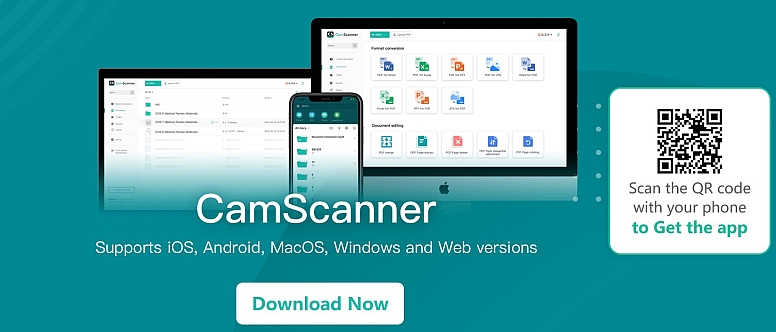
CamScanner is a well-known business card scanner OCR-dependent application that is available for both Android and iOS devices. This app functions to digitize any documents in a single go. The most auspicious part is that this document scanning feature of this OCR app is available in its free version. To process the OCR features, you ought to stick with its pro version.
In addition to that, the pro plan will entertain you with other useful features along with the free version. It is packed with the handy option for digitizing business cards and even extracting the text from the images and scanned documents. You can even fetch different conversion options, including text to image, image to doc, or also image to Excel.
Adobe Scan
Adobe Scan is referred to as a one-stop OCR solution that is available on both iOS and Android devices. If you are seeking a document management app, Adobe is one of the tremendous applications that lets you do all in a matter of seconds. This mobile application not only functions to scan, but also for editing, annotating, and commenting in a single go.
The most appealing part of this app is that it is free to use and also entertains you with 5GB of cloud-dependent storage for scanned documents. The only downside about this OCR app is that it is not at all compatible with other storage apps.
This means the user is entirely dependent on the 5GB of storage or needs to buy more from Adobe Systems (if required). It also lets users proceed as the best business card scanner without any huge manual intervention.
Smart Lens
This full-fledged OCR app assists in scanning any document and transforming the image into text format. In addition to that, this application functions to change the scanned text to any other language for certain purposes.
You just have to make an instant scan of your paper visiting card and let this business card scanner do all in a matter of seconds regarding scanning, recognition, and text extraction.
If Android users are seeking a language translator OCR application, Smart Lens can be utilized as the perfect option.
Text Scanner
If you’re seeking an OCR application that supports handwriting recognition, then Text Scanner is the fastest option for you. This application also supports business card scanner functions with ease. The upside is that this application is available for Android and loaded with different free features.
The downside is that its free trial version is packed with a huge number of Ads. If you want to get rid of the ads, you ought to get its in-app purchases.
OCR Quickly (Text Scanner)
OCR Quickly is indicated as a super-fast utility for making Optical Character Recognition scanning and recognition. It is loaded with an OOTB model, which means you do not need to process any registration or login process; just install and start utilizing it.
You can use this program right now and use the images from your phone’s gallery to detect text from them. It uses the official Tesseract OCR engine, which is referred to as an open-source engine that is mainly developed by Google and proceeds with an Android-device version.
In addition to that, it entertains you with offline mode and even works in all conditions. This application not only makes text extraction but also sharpens the image a bit before proceeding with extraction with OCR. You can even enable more precise text recognition options with this assistance.
Thankfully, you explored different numbers of OCR applications and business card scanner applications for your mobile; choose one or more as your preferences and process the transformation.







0.254